Visual Design Essentials in Fusion
You can make "okay" graphics in Fusion… but do you know the key to making them great?
Visual Design Essentials is the shortcut!
- Master the design principles behind professional motion graphics.
- Create professional visuals for any project—without years of design school.
- This course will make your creativity stronger, sharper, and better.
By the end of this course, you will:
- Confidently make design decisions instead of guessing
- Understand why great motion graphics work
- Apply these principles to posters, logos, animations, and cinematography
If you give this course your full attention, your creativity will be better forever.
What To Expect?
Recorded during live group sessions, you’ll watch Casey teach, answer real student questions, and clarify design decisions in real time, with project files included so you can follow along. You’ll also get bonus lessons reviewing student work with clear, practical feedback.
You’ll learn design principles that apply to any visual art that will take you from trial and error to professional results—fast.
Start designing better today!
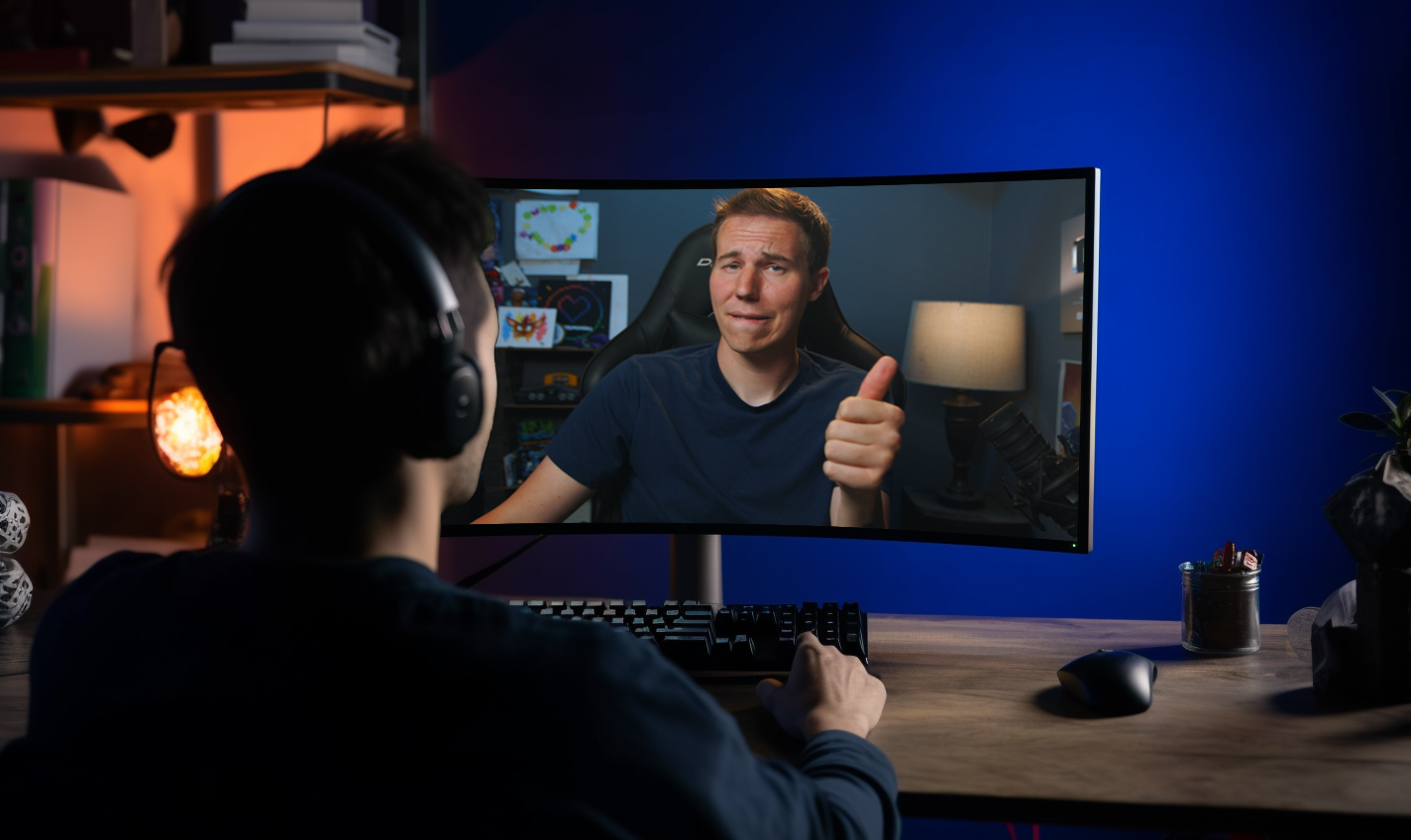
This is the missing piece in your motion graphics.
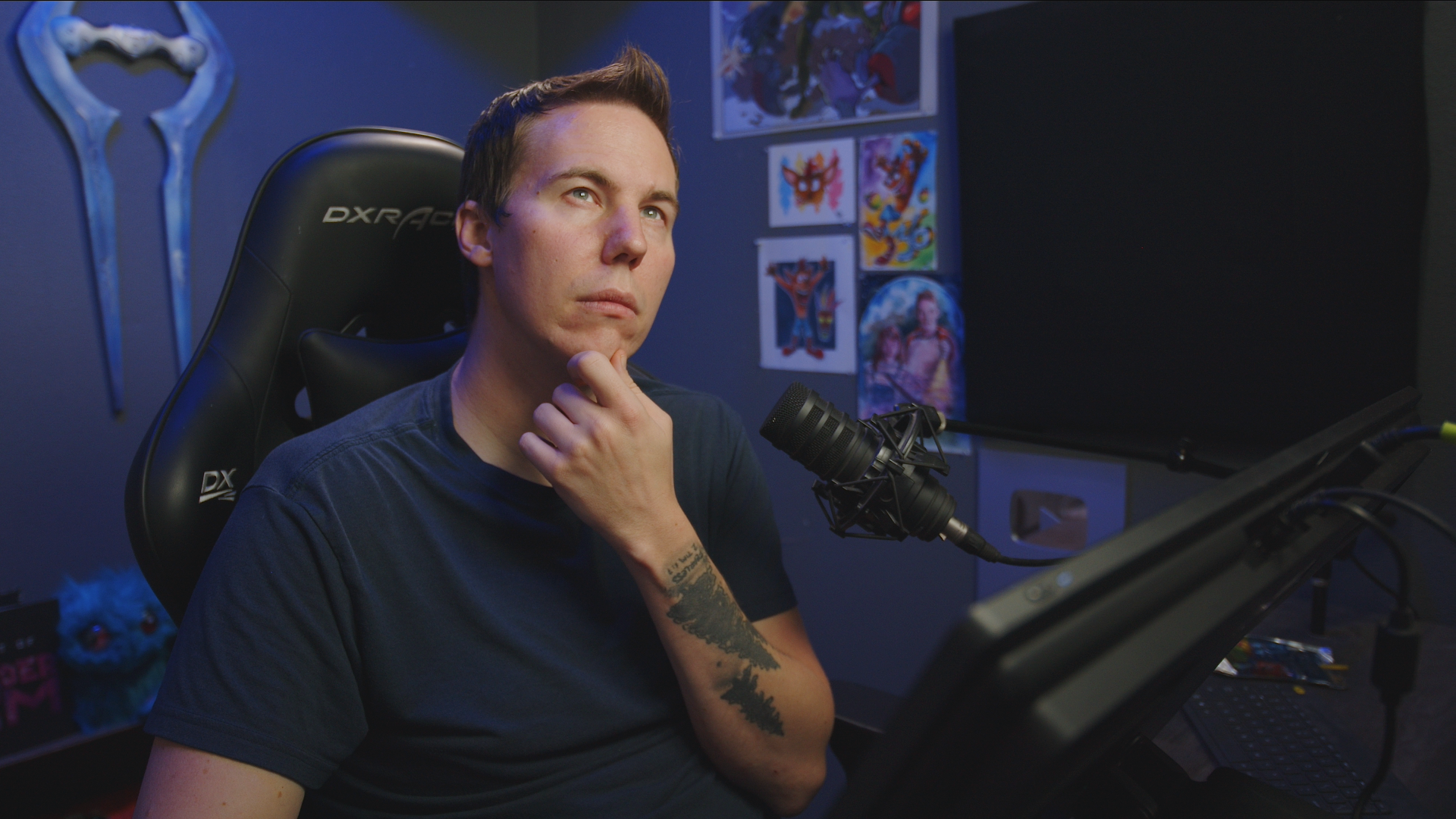
If you've ever thought...
- “I know how to use Fusion… so why don’t my graphics look cool?"
- “Something feels missing, but I don’t know what.”
- “I see other motion graphics and think… how did they make that look so good?”
Don't worry, you’re not bad at Fusion.
You’re just missing design principles no one explains.
Learn the foundational design principles that separate “fine” from professional.
You’ll finally understand:
-
Why elements are placed where they are
-
Why one font works and another quietly ruins everything
-
Why certain colors, spacing, and motion just feel right
Most tutorials teach how to push buttons.
Almost none teach why great designs work.
Sooo... What's Inside Our Course?
EVERYTHING YOU NEED TO DESIGN LIKE A PRO
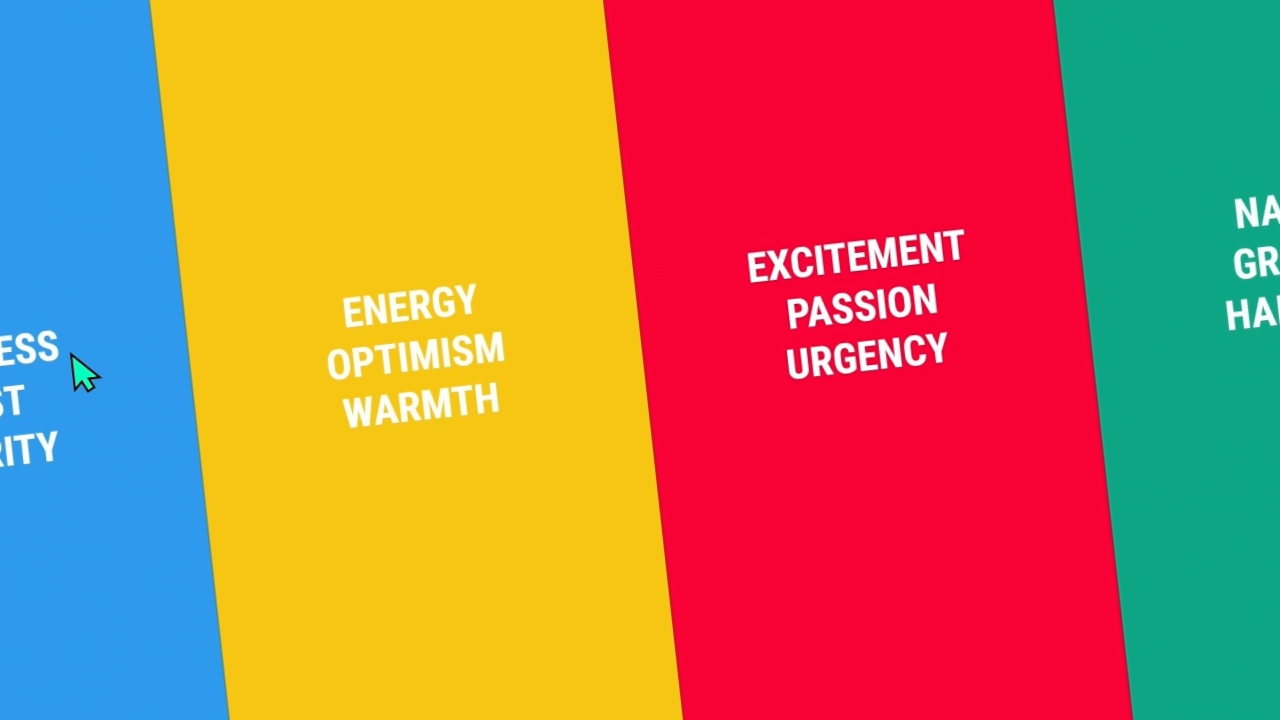
Tone
The essential concept. Learn how to define the emotional and visual direction of a piece so every design choice feels intentional, cohesive, and on purpose.
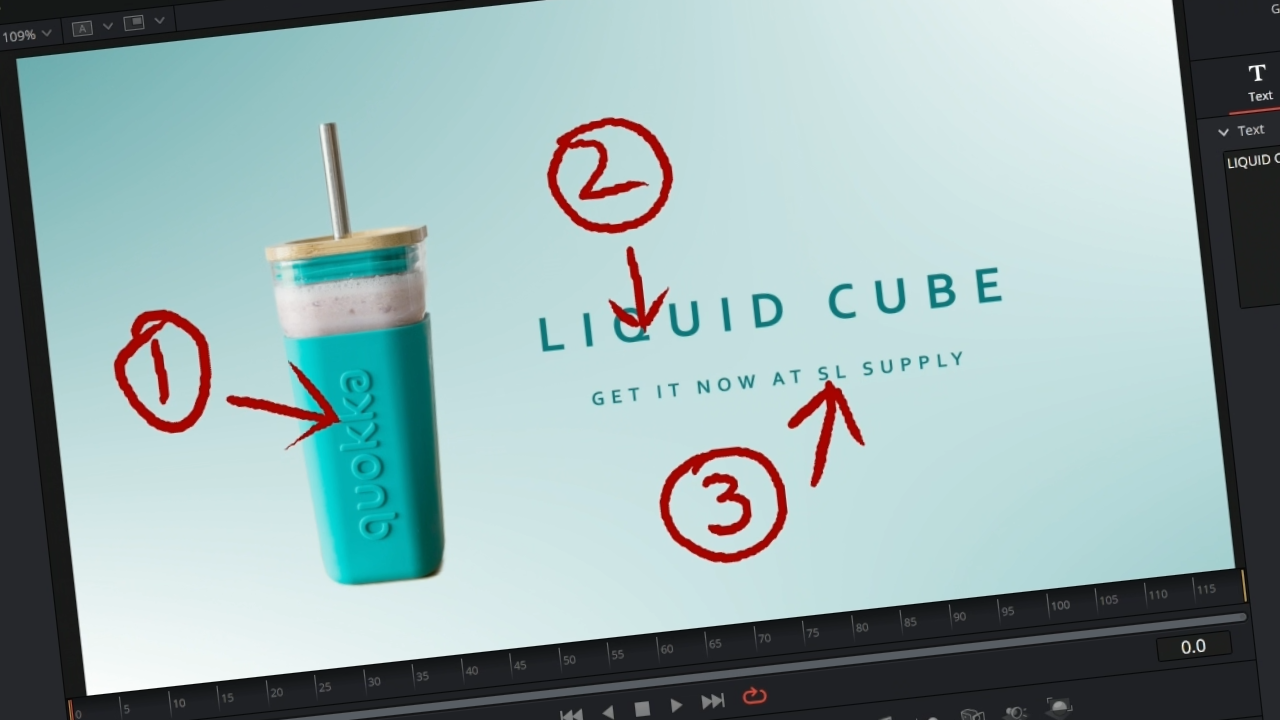
Focal Point
Discover how to control attention using contrast, scale, and placement so your viewer always knows exactly where to look.
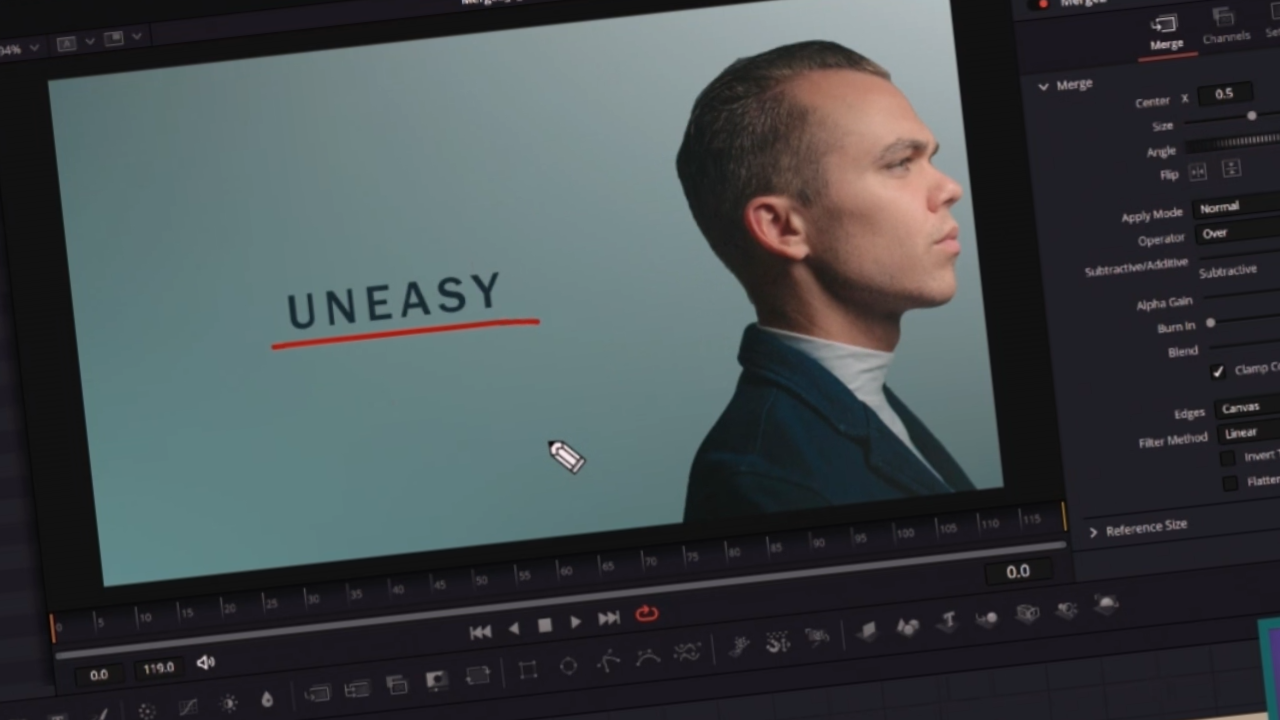
Balance
Create compositions that feel calm, dynamic, or intentionally off-center by understanding visual weight, spacing, and negative space.
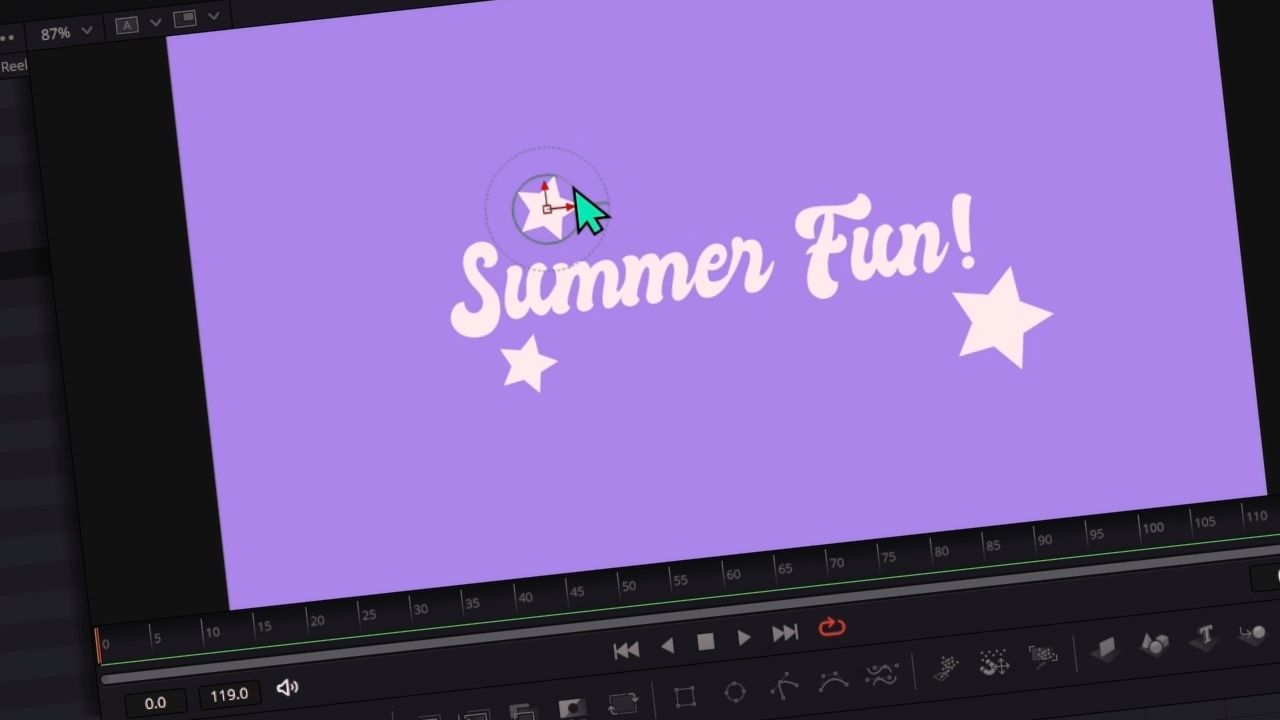
Repetition
Use repeated elements to create cohesion, reinforce importance, and make your designs feel polished instead of random.
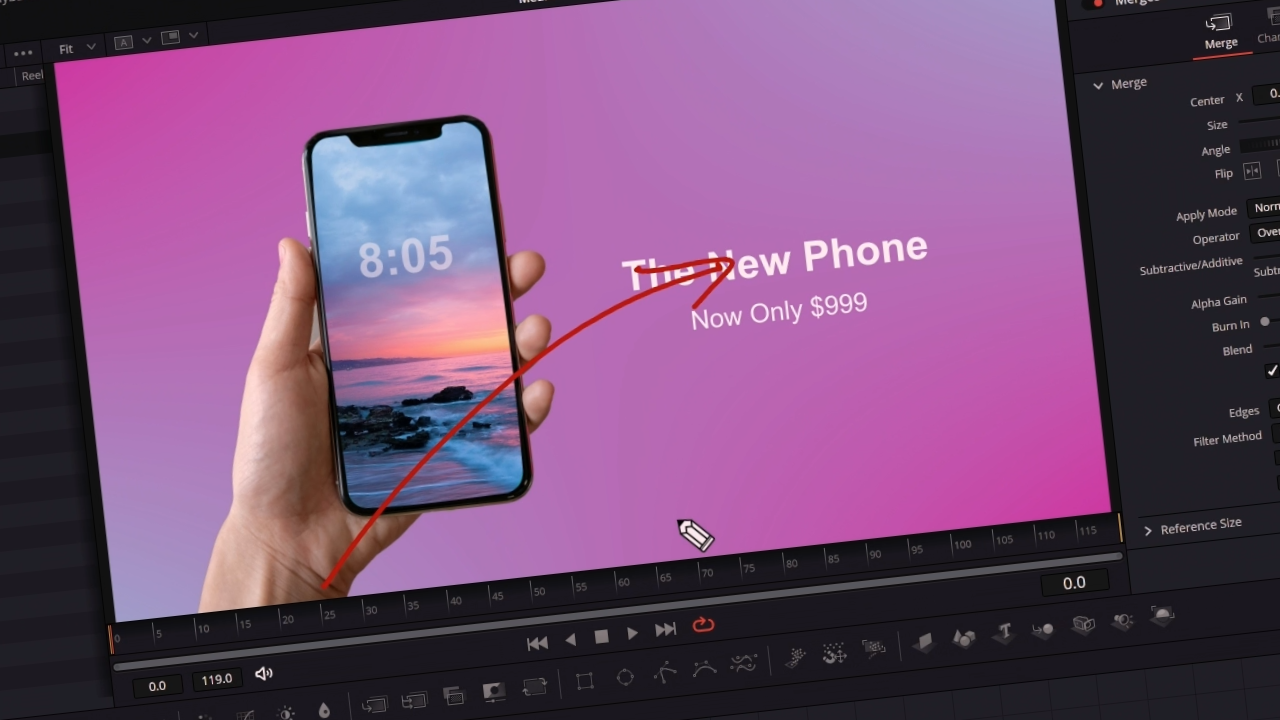
Flow
Guide the viewer’s eye smoothly through a composition using layout, movement, and visual rhythm that feels natural and effortless.
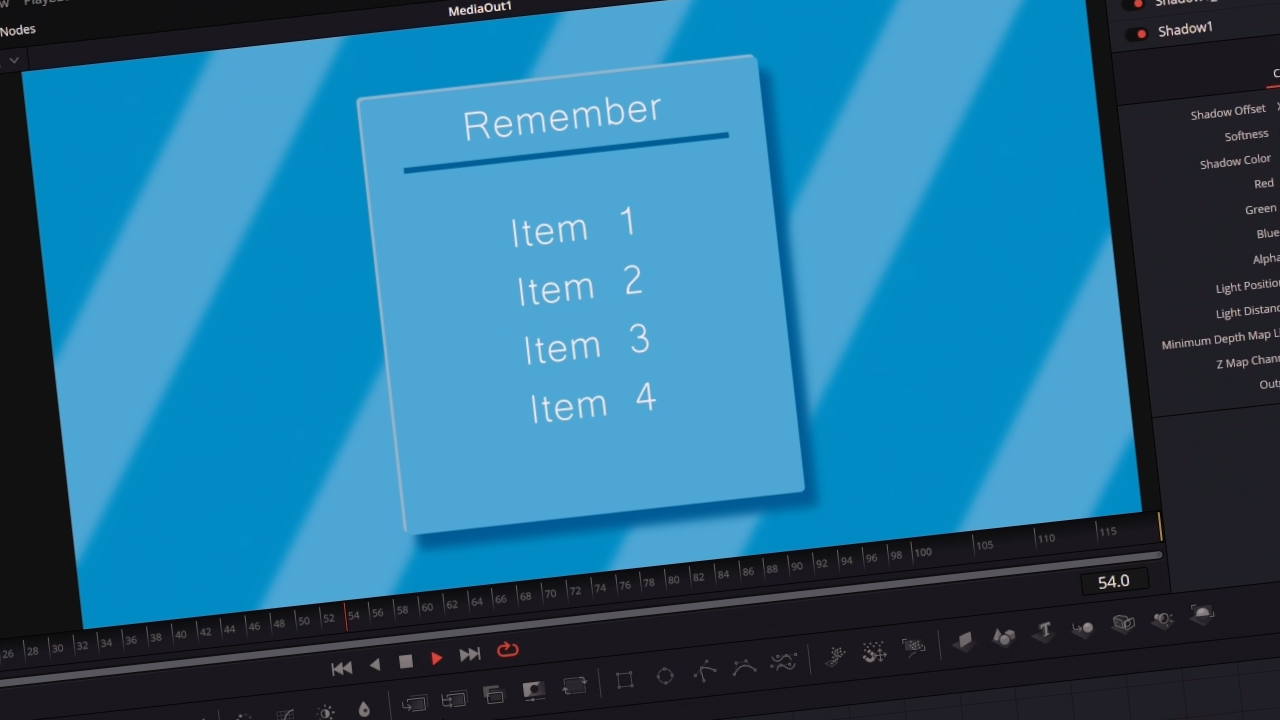
Polish
Add the subtle finishing touches—texture, depth, and detail—that elevate your work from good to unmistakably professional.
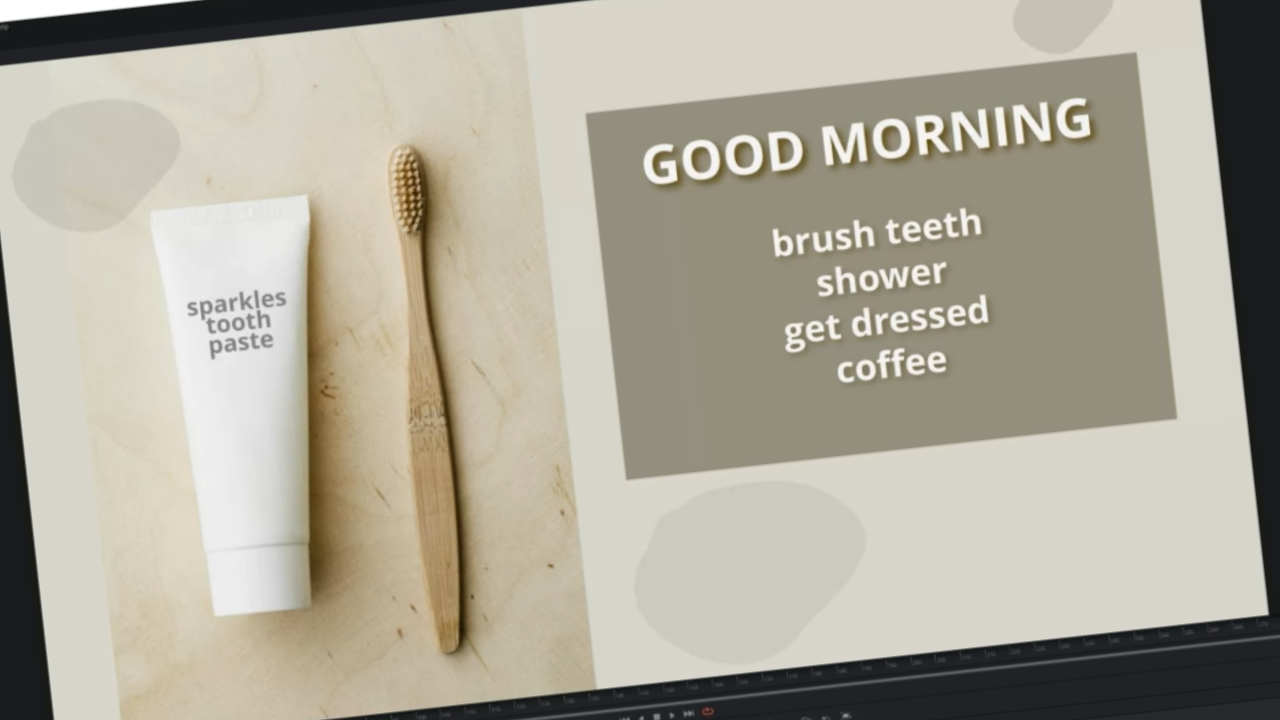
BONUS - Student Project Reviews
This course includes recordings of real student reviews so that you can see the application of these concepts played out in real time. Learn from their mistakes and rejoice in their victories!
Meet Your Instructor
Casey Faris has been teaching DaVinci Resolve for more than 13 years. His experience spans broadcast television, color grading for short films and advertisements, and over a decade in the content creation space since the early days of YouTube.
After getting his start in compositing with After Effects, Casey discovered a passion for sharing what he’s learned, breaking down complex concepts into lessons that are both engaging and easy to understand.
His goal is simple: to empower editors at every level to confidently tell their stories and unlock their creative potential through video.

Common Customer Questions
Who Is This Course For?
How Long Is This Course?
Will this course continually be updated to the newest version of Resolve?
What if I don't like the course?
What if I need help or run into issues?
Can I download the course and go through it offline?

Enjoy RISK FREE for 30 Days!
If for ANY REASON you don't think this is the best Visual Design Essentials course EVER, we'll give you your money back within 30 days of purchase! That means there's NO RISK! Just a golden opportunity to take your videos to the next level! * Refund Policy Terms *
Here's What Some of Our Customers Have Said...
“Really Helpful.”
I learned a few things that I never knew before, my mind is getting ideas from every single graphic that see on tv.
⭐⭐⭐⭐⭐ Robert R.
"Awesome."
It was great going through it with a real group of people and learning from real world experiences.
⭐⭐⭐⭐⭐ Andy S.
“Worth Every Penny.”
There is something far more efficient about learning from a well-crafted course versus the hit-and-miss of YouTube grazing.
⭐⭐⭐⭐⭐ David B.
What are you waiting for?
START DESIGNING BETTER TODAY
HERE'S A REMINDER OF EVERYTHING YOU GET IN THE COURSE
🔹 Tone - Learn how to set a clear emotional and visual direction for your project.
🔹 Focal Point - Guide the viewer’s eye with intention using contrast, size, and placement.
🔹 Balance - Create designs that feel calm, powerful, dynamic, or intentionally off-kilter.
🔹 Repetition & Flow - Learn how to lead the viewer smoothly through a scene and make designs feel connected and deliberate.
🔹 Polish - This is where “good” becomes professional - the finishing details that elevate your work without overdoing it.
🔹 BONUS: words here
Ready to Design with Confidence?
Get lifetime access to Visual Design Essentials in Fusion, including live-session recordings, follow-along project files, real student critiques, and timeless design principles you’ll use on every project.
Upgrade your creativity for good.