Fusion 401 - Advanced Concepts
Ideal for editors, compositors, and VFX artists who want to become true Fusion experts.
A perfect next step after Fusion 101–301, Fusion 401: Advanced Concepts is a collection of advanced classes designed to give experienced Fusion users a deeper understanding of the software. Rather than focusing on a single project, this course functions as a library of deep-dive topics giving students the advanced knowledge they need to fully unlock Fusion’s power and confidently create whatever they imagine.
You can expect to...
👉 Confidently build and manage even complex Fusion composites
👉 Create precise masks and mattes for polished visual effects
👉 Achieve consistent, pro-quality results with proper color management
👉 Build impressive 3D scenes using nodes, cameras, and lights inside Fusion
👉 Design clean, dynamic motion graphics with shape nodes
👉 Speed up your workflow by creating custom tools and reusable setups
👉 Add dynamic particle effects that bring your composites to life
Get Started Today!
Still not sure? Keep scrolling to learn more...
Just Imagine...
✨ You finally understand why nodes connect the way they do. Complicated composites make sense. You’ll move through the flow with clarity and confidence instead of trial-and-error.
✨With expressions, custom tools, and streamlined color management, you’ll save hours on every project and focus your energy on creativity instead of wrestling with the software.
✨ Armed with a deep, working knowledge of Fusion, you’ll stop second-guessing your approach and start exploring bold ideas—confident that you can bring any vision to life.
Let's face it, there's not a lot of help on the internet for learning advanced concepts in Fusion.

Problem → solved.
✔️ Most courses teach you how do to a specific project. This one teaches you advanced concepts that you can use in any project!
✔️ By the end, you’ll not only know advanced tricks—you’ll understand Fusion on a deeper level, giving you the freedom to create whatever you imagine.
✔️ Every module is designed to challenge your thinking, refine your workflow, and expand your creative toolkit.
✔️ From advanced masking techniques to building custom tools and 3D composites entirely inside Fusion, you’ll gain the technical and creative skills to solve problems like an expert.

Fusion 401 - Advanced Concepts
Get a Glimpse Inside — Watch the Tour Below
Here's What You'll Learn...
👉 Take full control of Fusion and confidently build even the most complex composites
👉 Create precise masks and mattes that bring your visual effects to life
👉 Master color management to achieve consistent, professional-quality results
👉 Build stunning 3D scenes using nodes, cameras, and lights entirely inside Fusion
👉 Design clean, dynamic vector graphics with shape nodes for polished visuals
👉 Create custom tools to speed up your workflow and focus on creativity
👉 Add dynamic particle effects that make your composites pop
Why We Made This Course
From all of us at Ground Control, Fusion 401 - Advanced Concepts is more than just a training—it’s our way of saying: You’ve got this, and we’ve got you.
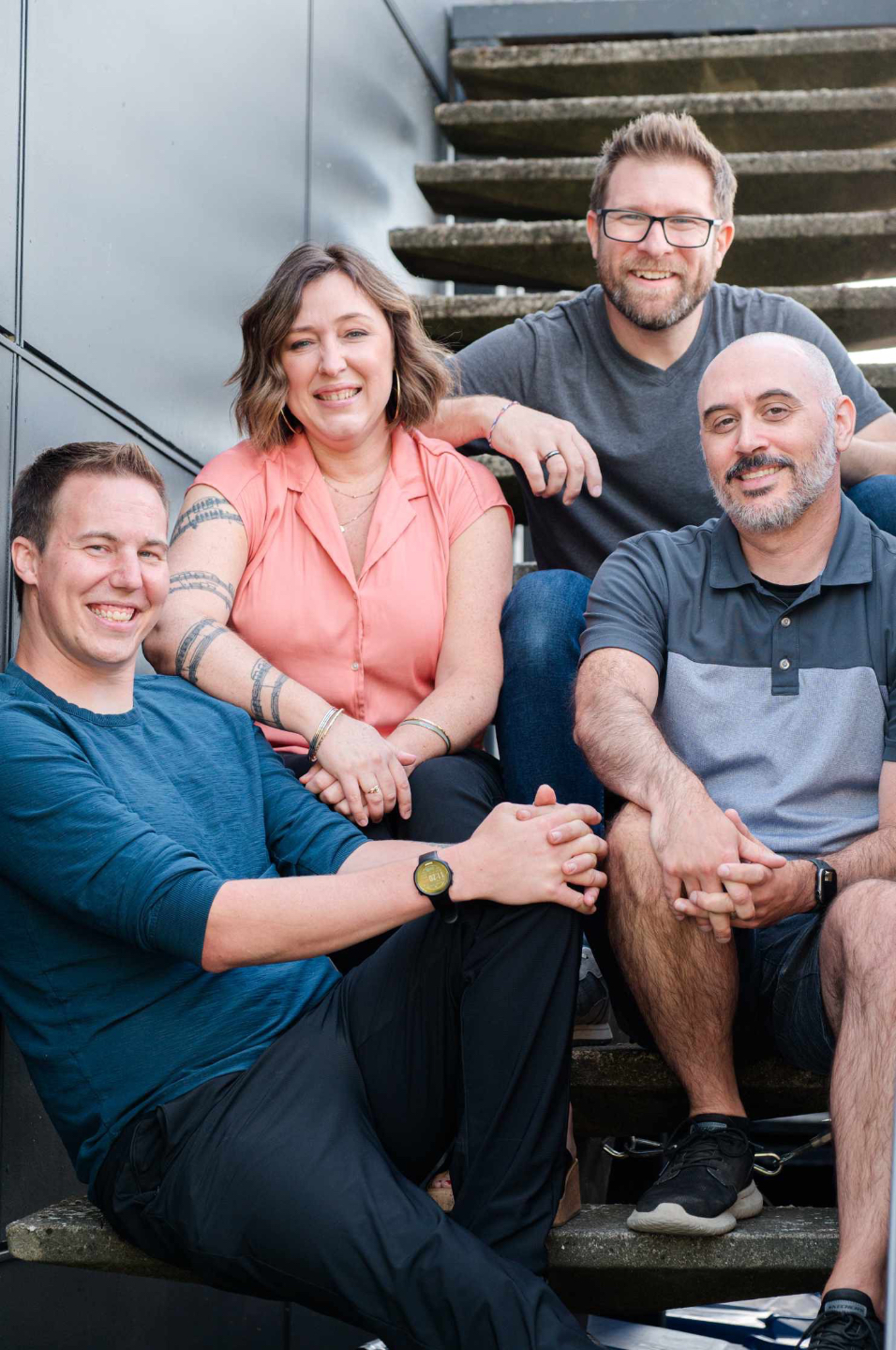
Our mission has always been simple: to empower DaVinci Resolve editors to confidently create anything they can imagine. Whether it's building complex particle effects, designing dynamic motion graphics, or manipulating shape nodes and vector elements, we believe you can do it—and we’re here to help you every step of the way.
This course was built with experience, expertise, and a deep respect for the creative process. Designed for serious Fusion users, it gives you the tools and knowledge to tackle complex projects with confidence. You'll feel supported, challenged, encouraged, and ready to bring your most ambitious ideas to life.
We believe in you. Let’s do this—together.
— Casey & The Ground Control Crew
Here's What's Inside...
Everything You Need to Master Fusion
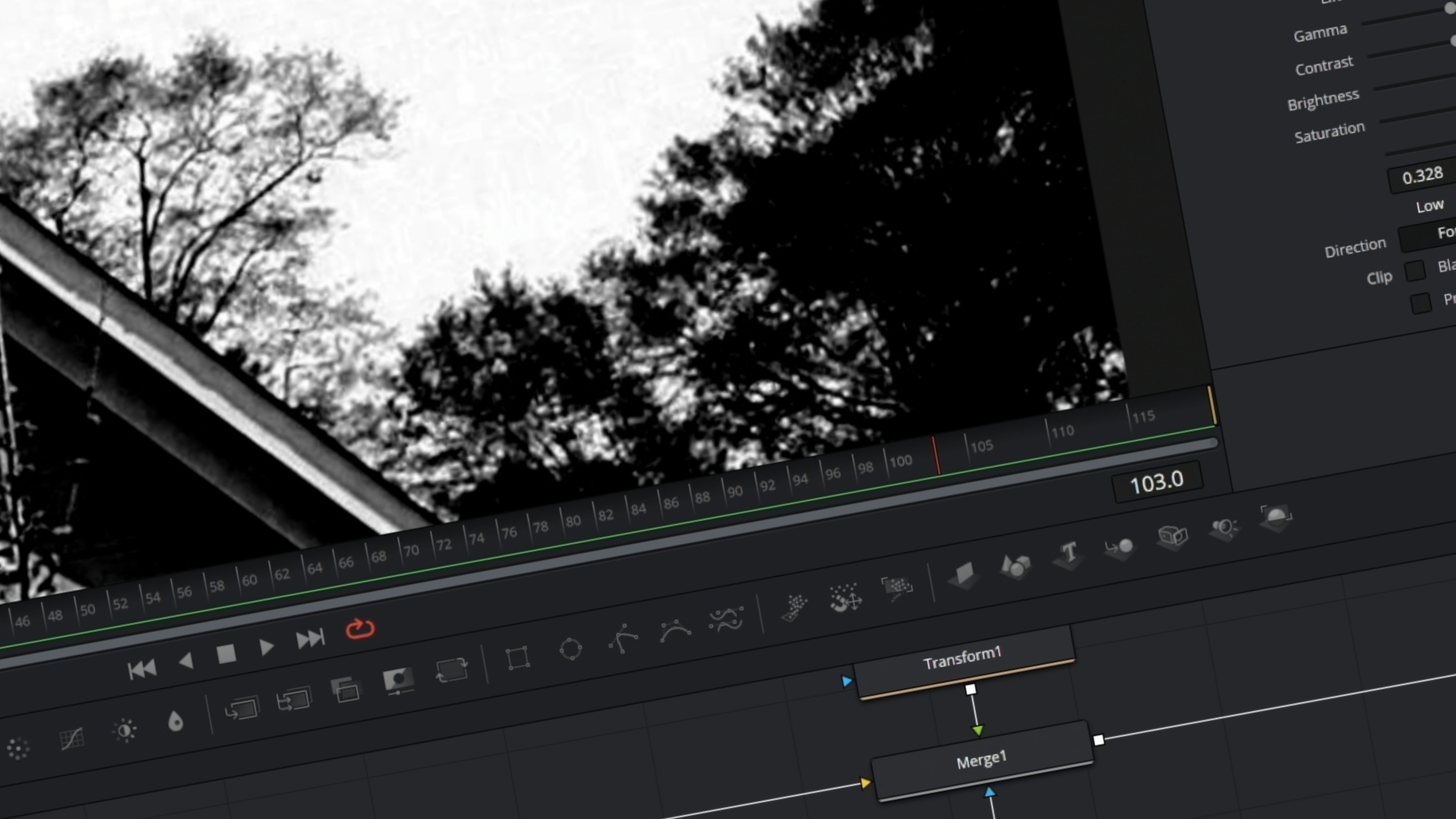
Mastering the Basics (Advanced Review)
- Revisiting core node logic at an expert level.
- Why nodes connect in certain ways.
- Deep understanding of node order, flow, and efficiency.
- Building confidence in structuring complex composites.
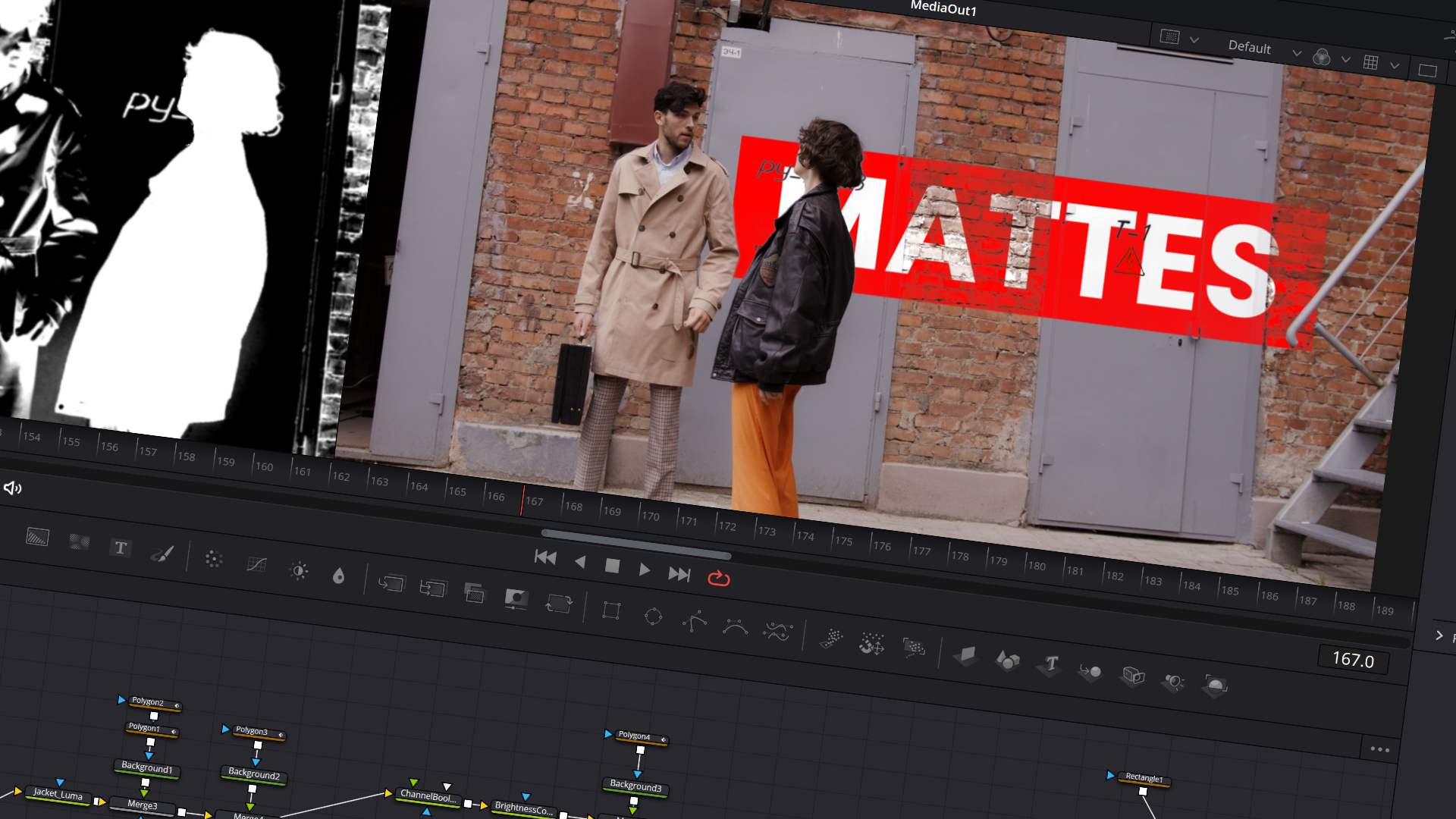
Mattes & Masks
- Advanced rotoscoping techniques.
- Creating selections using multiple methods.
- Animating masks effectively.
- Using luma mattes and color adjustments for powerful masking workflows.
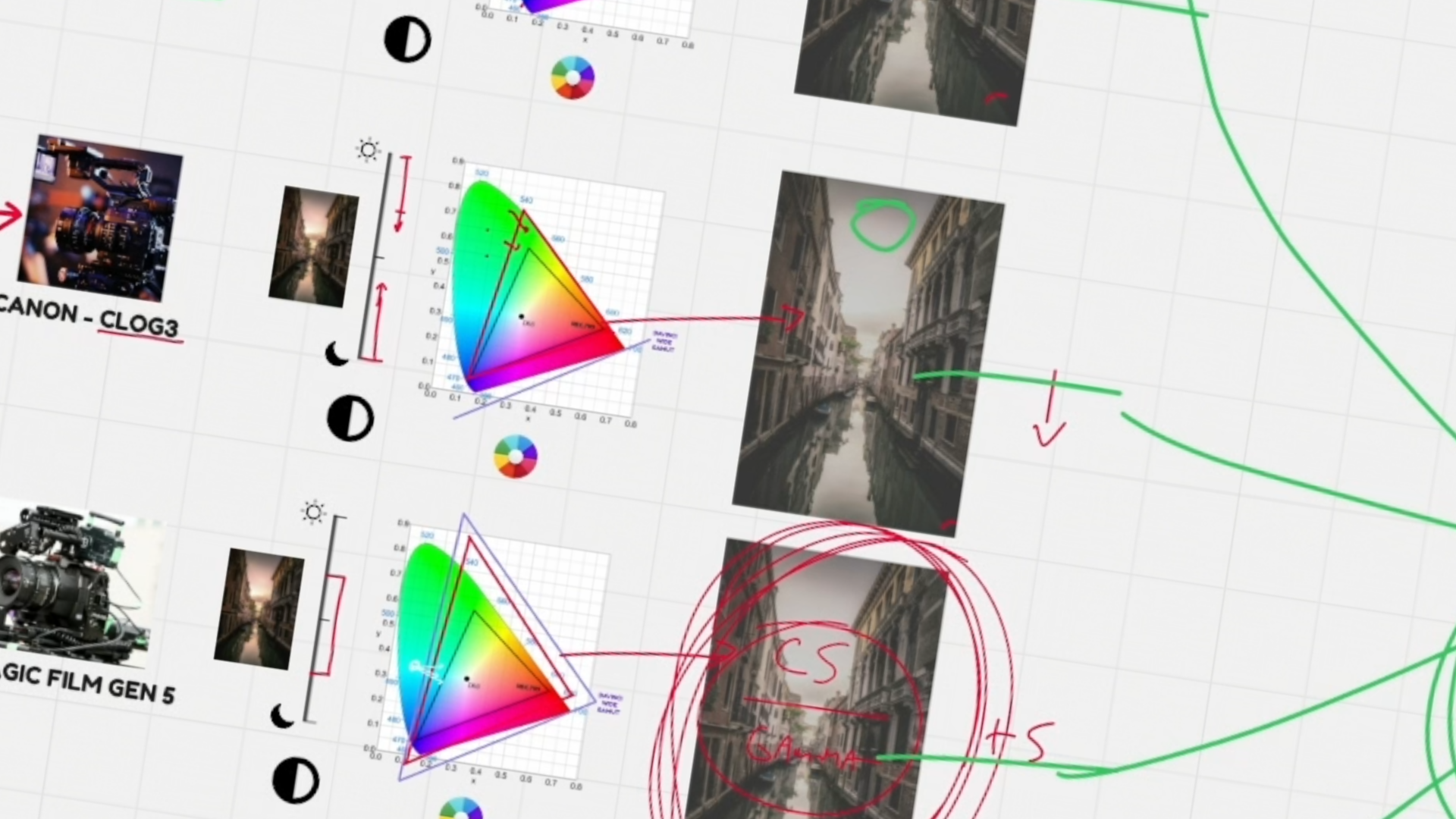
Color Management in Fusion
- Why color management matters.
- How Fusion handles color spaces.
- Practical exercises to solidify concepts.
- Get consistent, professional results across projects.
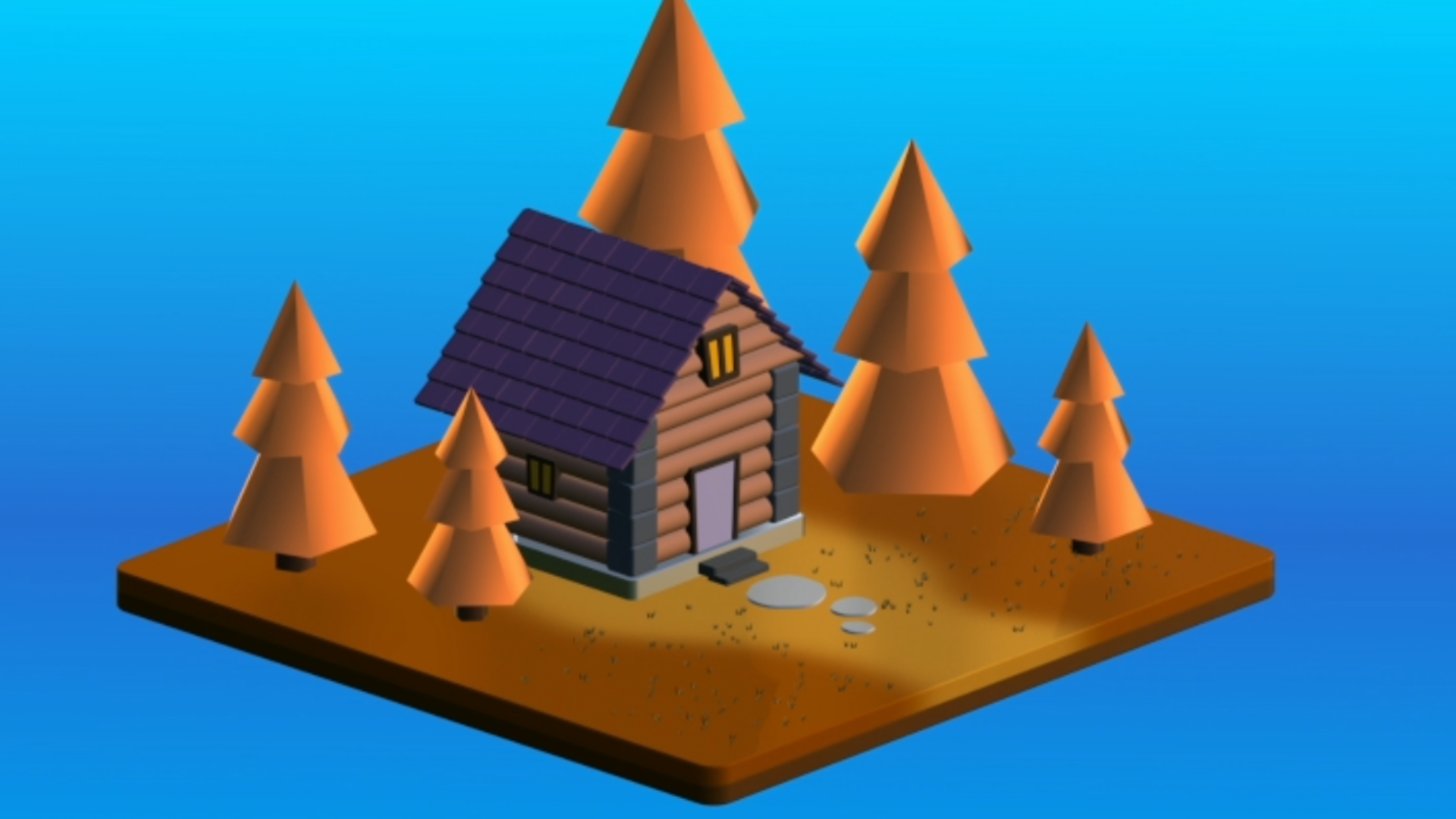
3D in Fusion
- Fundamentals of Fusion’s 3D system.
- Using 3D nodes, cameras, and lights.
- Creating and rendering 3D scenes.
- Hands-on project: build a stylized low-poly 3D scene entirely inside Fusion.
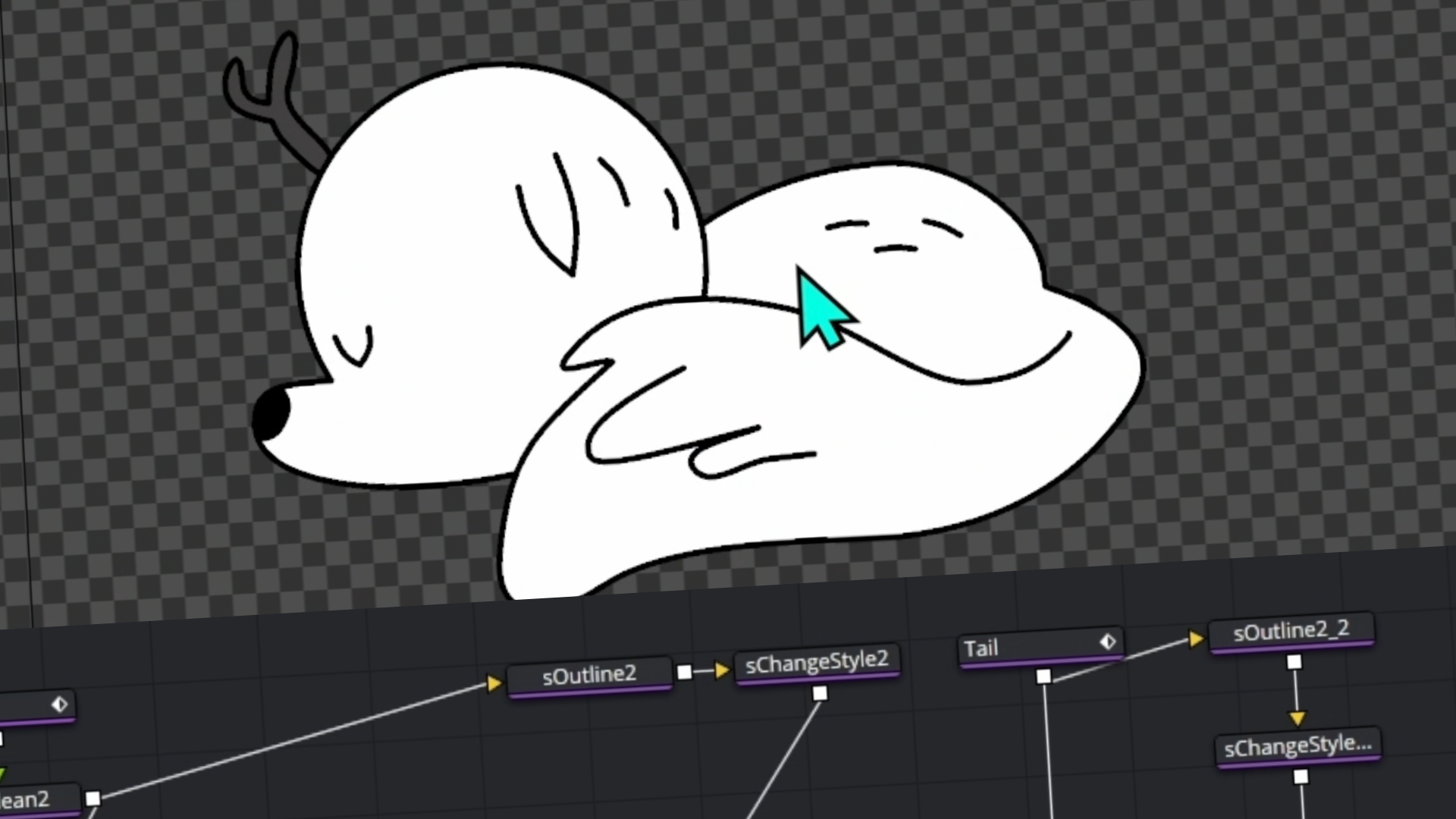
Exploring Shape Nodes
- Fundamentals of how the shape system works.
- How to create and edit vector art for your graphics.
- Practical exercises to help with understanding.
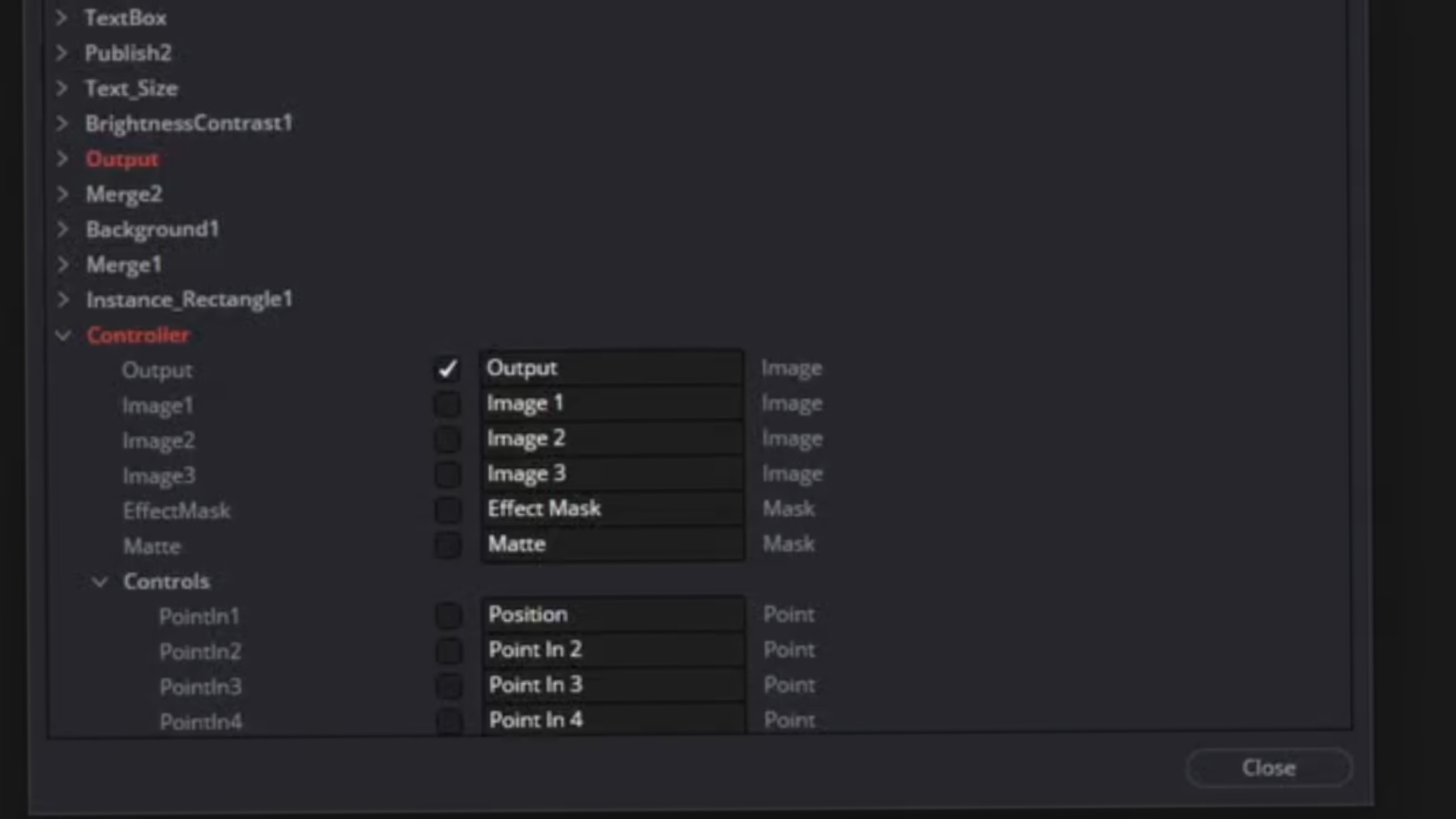
Expressions & Custom Tools (Hosted by CameraTim)
- Take control of multiple nodes with expressions.
- Building your own macros.
- Designing templates and custom tools.
- Speeding up workflow and scaling creativity.
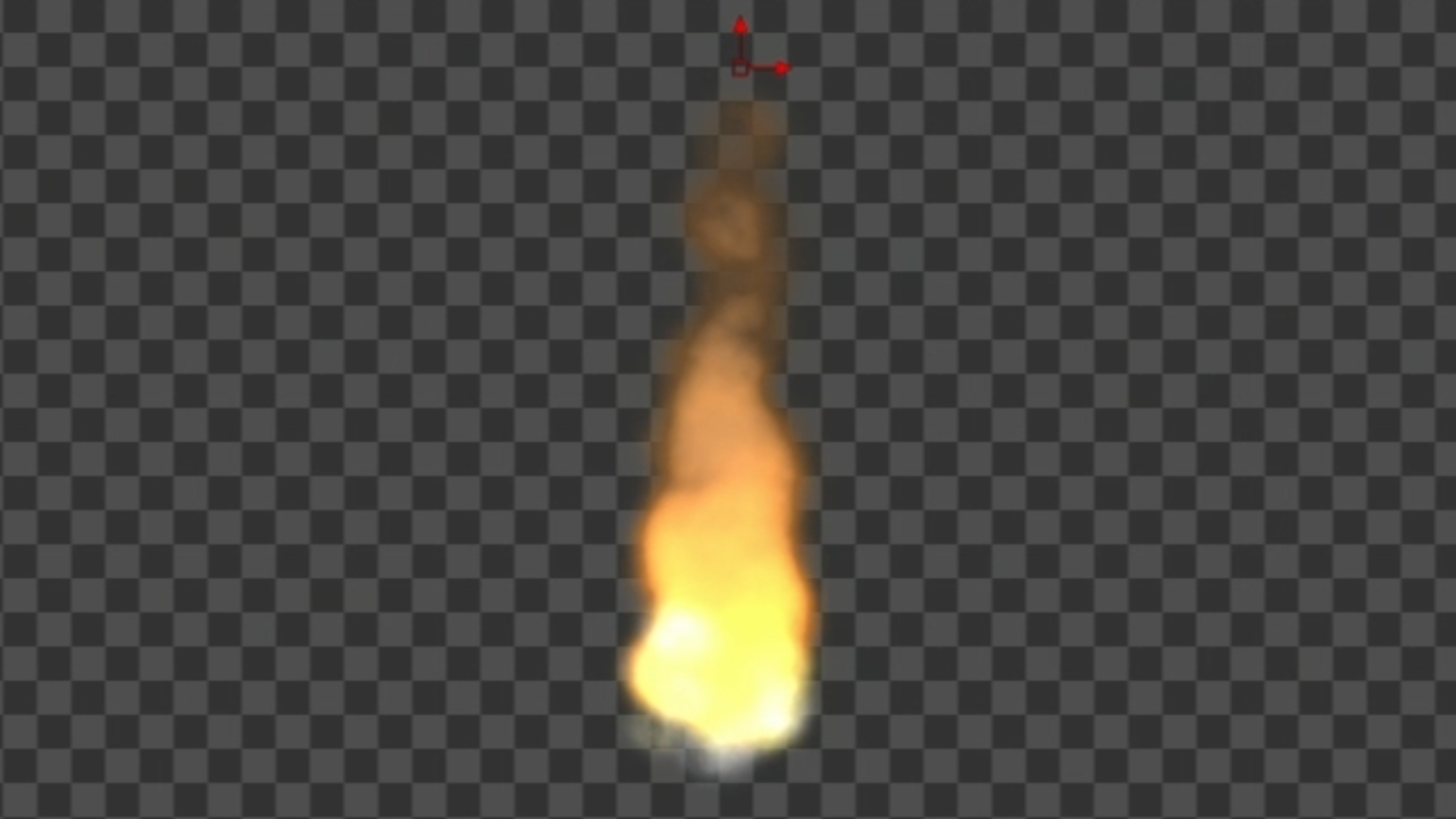
Particle Systems in Fusion
- Learn the ins and outs of the particle system.
- Create a variety of effects, from dust to snow to fire.
- Explore how to add effects to your particles to make them more dynamic for simulations and motion graphics.
PLUS, we’re adding a couple of BONUSES to make this course even more powerful...
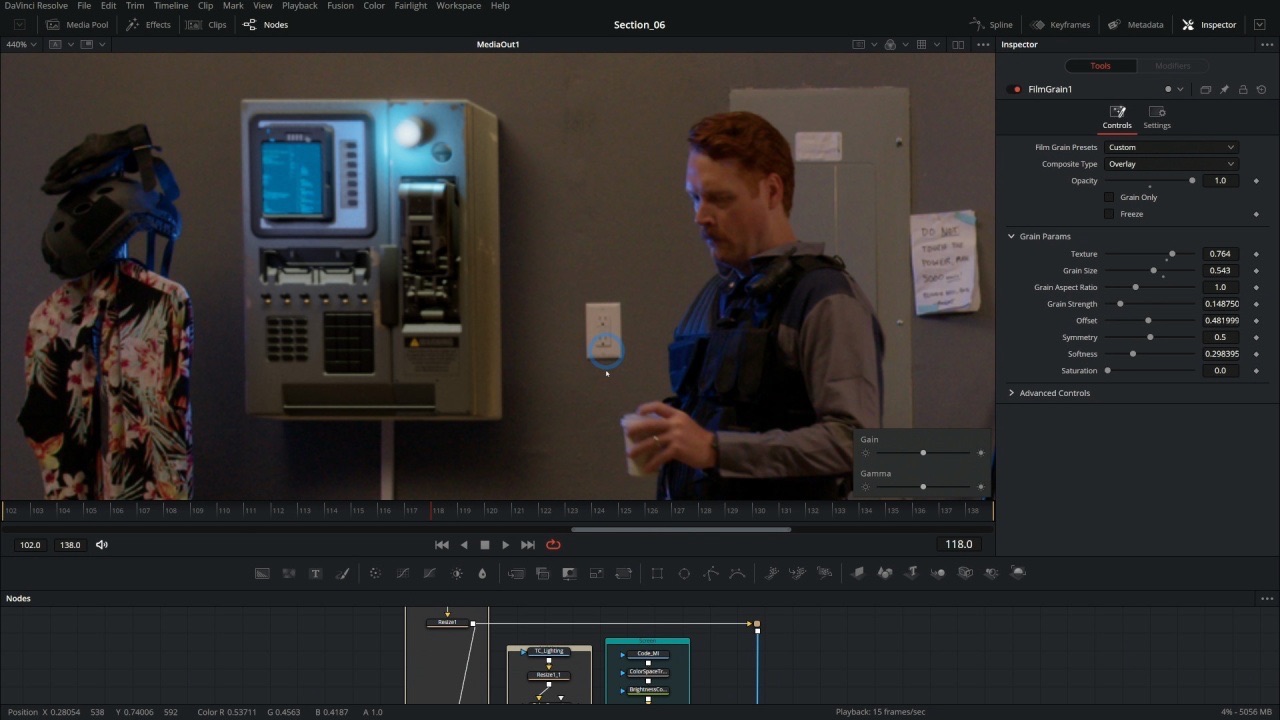
BONUS #1 - Make Your Comps Look Pro (without 4 years of Design School)
This chapter is all about how to make your projects look professional by THINKING like a professional designer and compositor. You’ll learn why elements on screen should be arranged in a certain way, why some things are bigger on screen than others, and what that means to the viewer. You’ll also learn how to make your VFX look REAL!
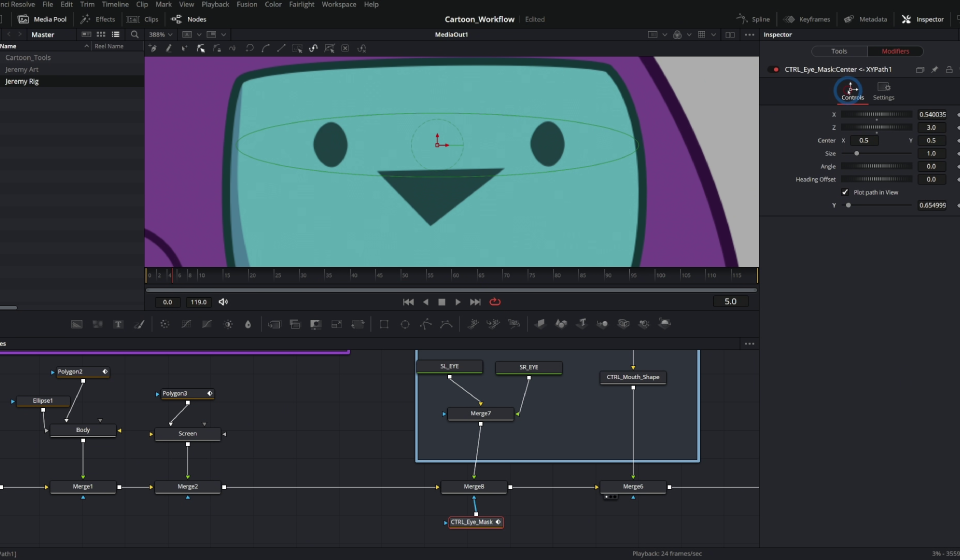
BONUS #2 - How To Make A Cartoon In Fusion
Learn how to use advanced Fusion template techniques to create ANIMATION RIGS that work in the edit page. Our team challenged ourselves to create a broadcast quality cartoon using ONLY Resolve. Now you get to make even BETTER cartoons using our team's hard-earned wisdom!
Meet Your Instructor
Casey Faris has been teaching DaVinci Resolve for over 13 years. He’s worked in broadcast television, color graded short films and advertisements, and has been in the content creation trenches for about as long as Youtube has been a thing.
After he got his start compositing in After Effects long long ago, Casey has been inspired to share every bit of knowledge he learned in a way that’s inspiring and entertaining.




Here's What Some of Our Customers Have Said...
“Thank you.”
Really well explained and easy to follow!
⭐⭐⭐⭐⭐ Goran
"Results."
I've mastered many more things now, and instead of copying tutorials, I can do pretty cool things I haven't learned anywhere else, and improvise to solve problems.
⭐⭐⭐⭐⭐ Miguel
“Clear Explanations.”
Easy to follow and a relaxed mood which helps with concentrating on what is important.
⭐⭐⭐⭐⭐ Sander J
Common Customer Questions
Who is this course for?
How Long Is This Course?
Will this course continually be updated to the newest version of Resolve?
What version of DaVinci Resolve do I need?
What version of Resolve was this course taught in?
What if I don't like the course?
What if I need help or run into issues?
What computer specs do I need?
Can I download the course and go through it offline?
What materials are included?

Learn RISK FREE for 30 Days!
If for ANY REASON you don't think this is the best Advanced Fusion course EVER, we'll give you your money back within 30 days of purchase! That means there's NO RISK! Just a golden opportunity to take your videos to the next level!
Read our Terms of Use
Get Started Today!
Unlock Expert-Level Fusion Skills - Create Without Limits!
Here's a reminder of what you'll get in this course:
⭐ Mastering the Basics (Advanced Review)
⭐ Mattes & Masks
⭐ Color Management in Fusion
⭐ 3D in Fusion
⭐ Exploring Shape Nodes
⭐ Expressions & Custom Tools (Hosted by CameraTim)
⭐ Particle Systems in Fusion
⭐ BONUS #1: Make Your Comps Look Pro
⭐ BONUS #2: How to Make a Cartoon in Fusion
Yes! I'm Ready For Advanced Concepts Now!