Color 101 – Introduction to Color Grading in DaVinci Resolve
Learn to Color Grade your videos in DaVinci Resolve!
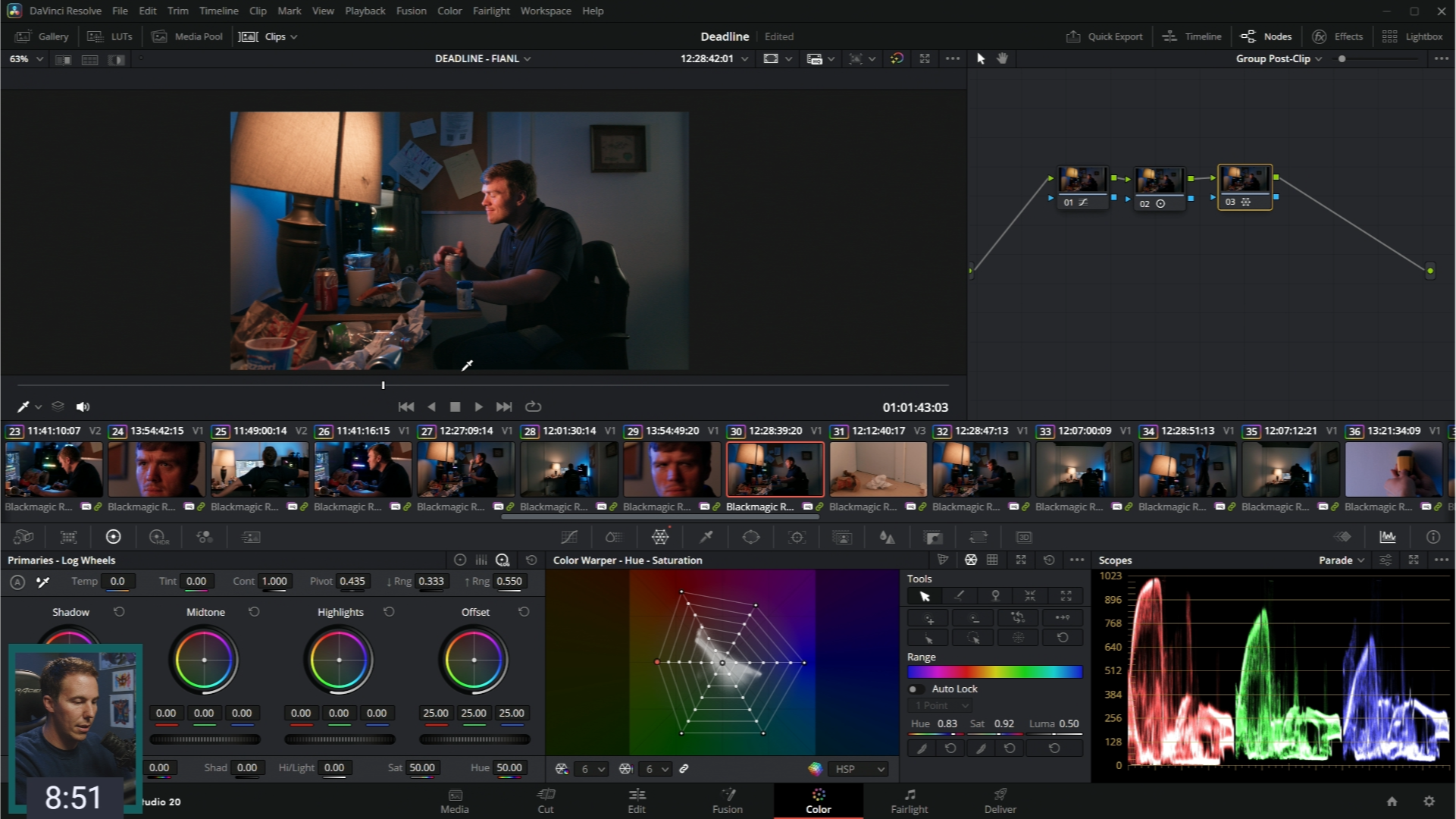
This beginner-friendly course walks you step-by-step through DaVinci Resolve’s Color Page so you can finally understand how to balance, enhance, and stylize your footage with confidence.
Color 101 Promises to:
- Bridge the gap between watching tutorials so you can actually start grading with confidence.
- Help you learn the tools, techniques, and workflows — balancing shots, using scopes, building nodes, and creating consistent looks.
- Give you the skills you can use on any future project by working through a real short-film project with step-by-step guidance.
By the end of this course, you’ll have the confidence and clarity to take footage from ungraded to intentional. No guesswork - Just a clear process you can trust.
Get Started Today!
Still not sure? Keep scrolling to learn more...

No matter your experience, learn color grading techniques that make your videos look visually stunning!
Learn Why:
Foundational Theory
Learn How:
Hands-on Demos
Learn Where:
Real-World Application
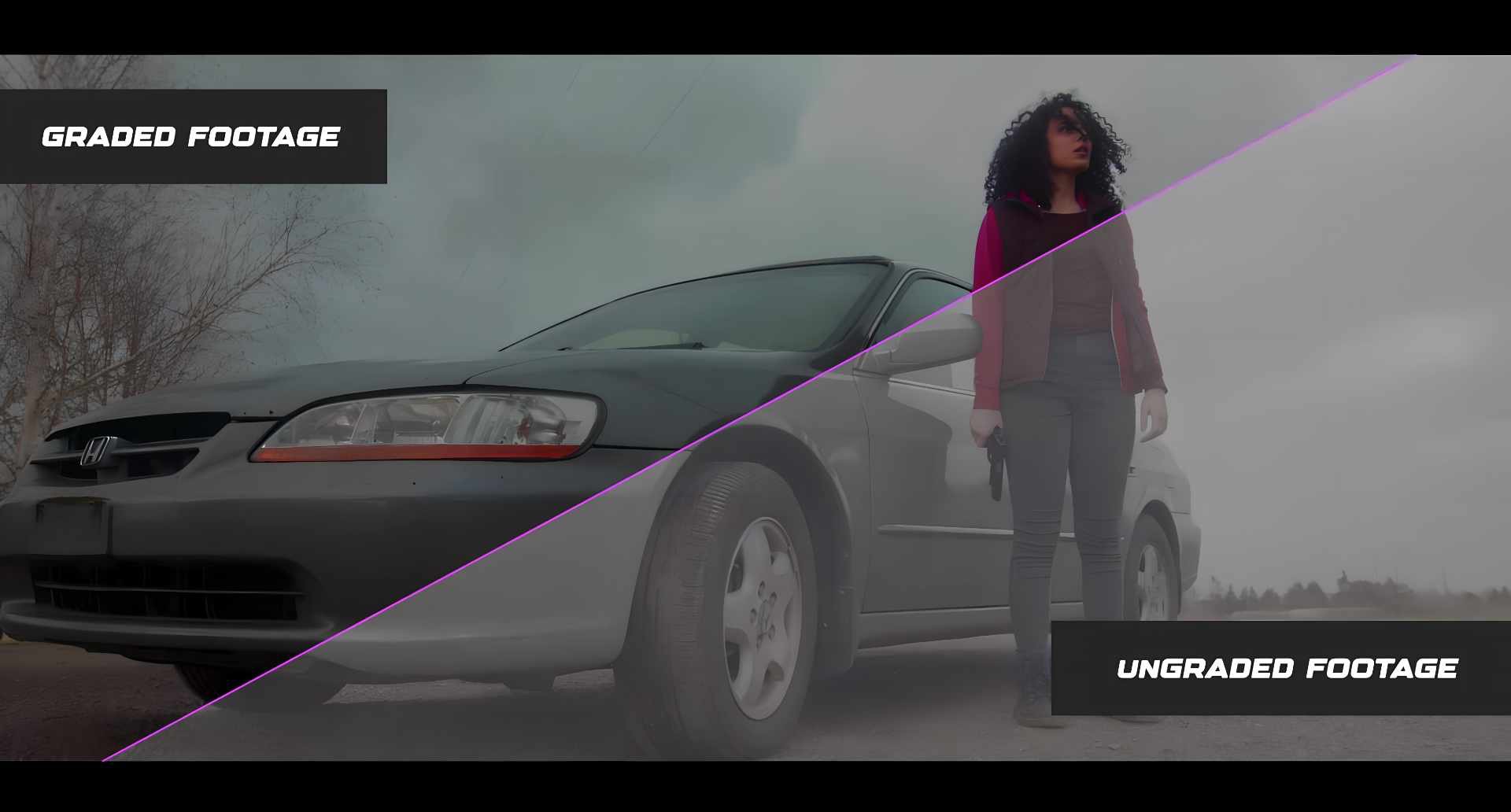
Do your videos look flat or unfinished?
So your videos don't look like the pros...yet! That’s where color grading comes in — and that’s what Color 101 is all about.
This beginner-friendly course walks you step-by-step through DaVinci Resolve’s Color Page so you can finally understand how to balance, enhance, and stylize your footage with confidence.
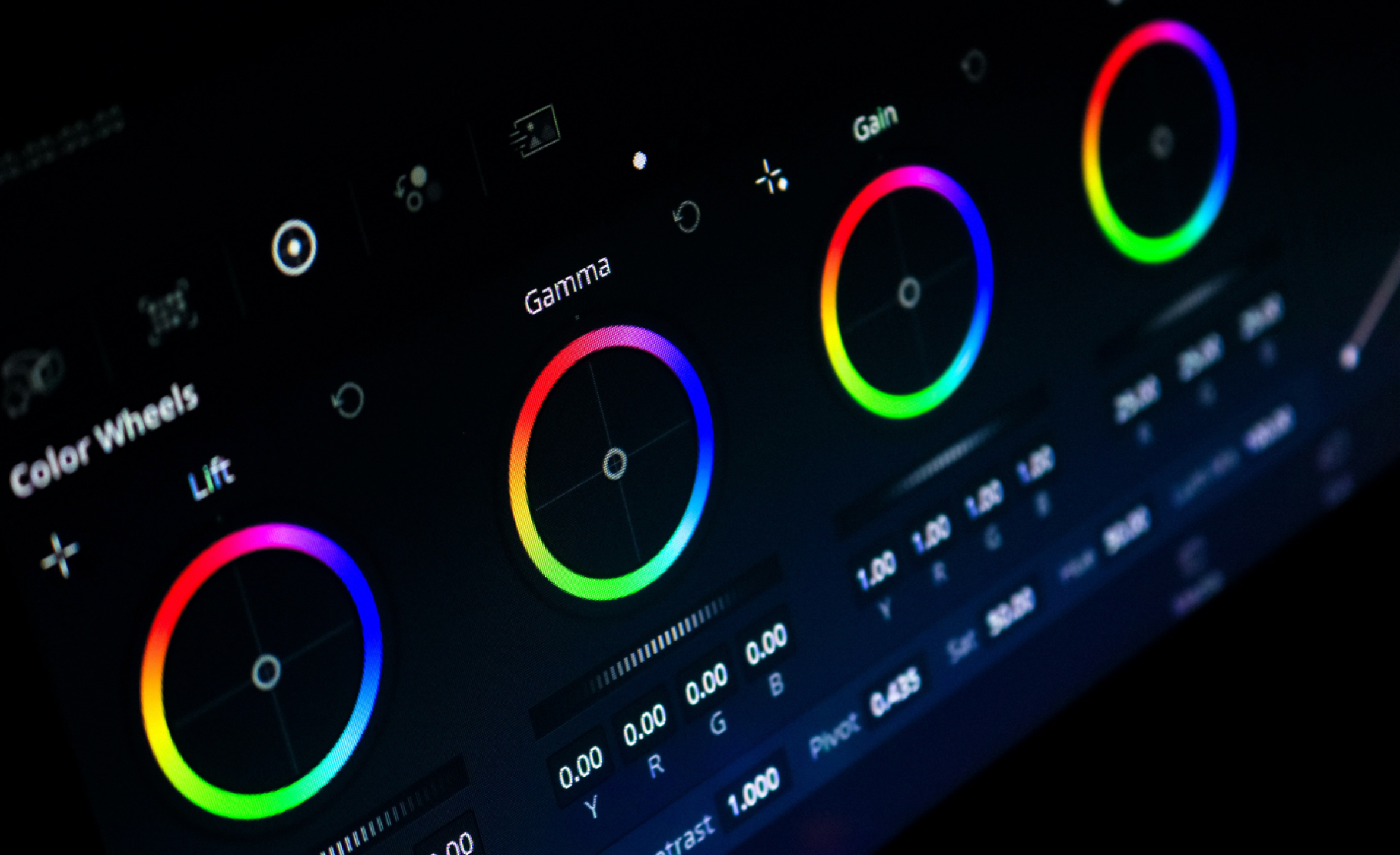
This Course Is For You...
If you’ve ever thought, “I wish I knew how to make my footage look more professional.”
Perfect For:
✅ Beginners who’ve never touched Resolve’s Color Page before
✅ Editors ready to take control of the look of their videos
✅ Creators who want to make their work look more polished
Meet Your Instructor
Casey Faris has been teaching DaVinci Resolve for over 13 years. He’s worked in broadcast television, color graded short films and advertisements, and has been in the content creation trenches for about as long as Youtube has been a thing.
After he got his start compositing in After Effects long long ago, Casey has been inspired to share every bit of knowledge he learned in a way that’s inspiring and entertaining.






Sooo... What's Inside?
EVERYTHING YOU NEED TO COLOR WITH CONFIDENCE
Introduction
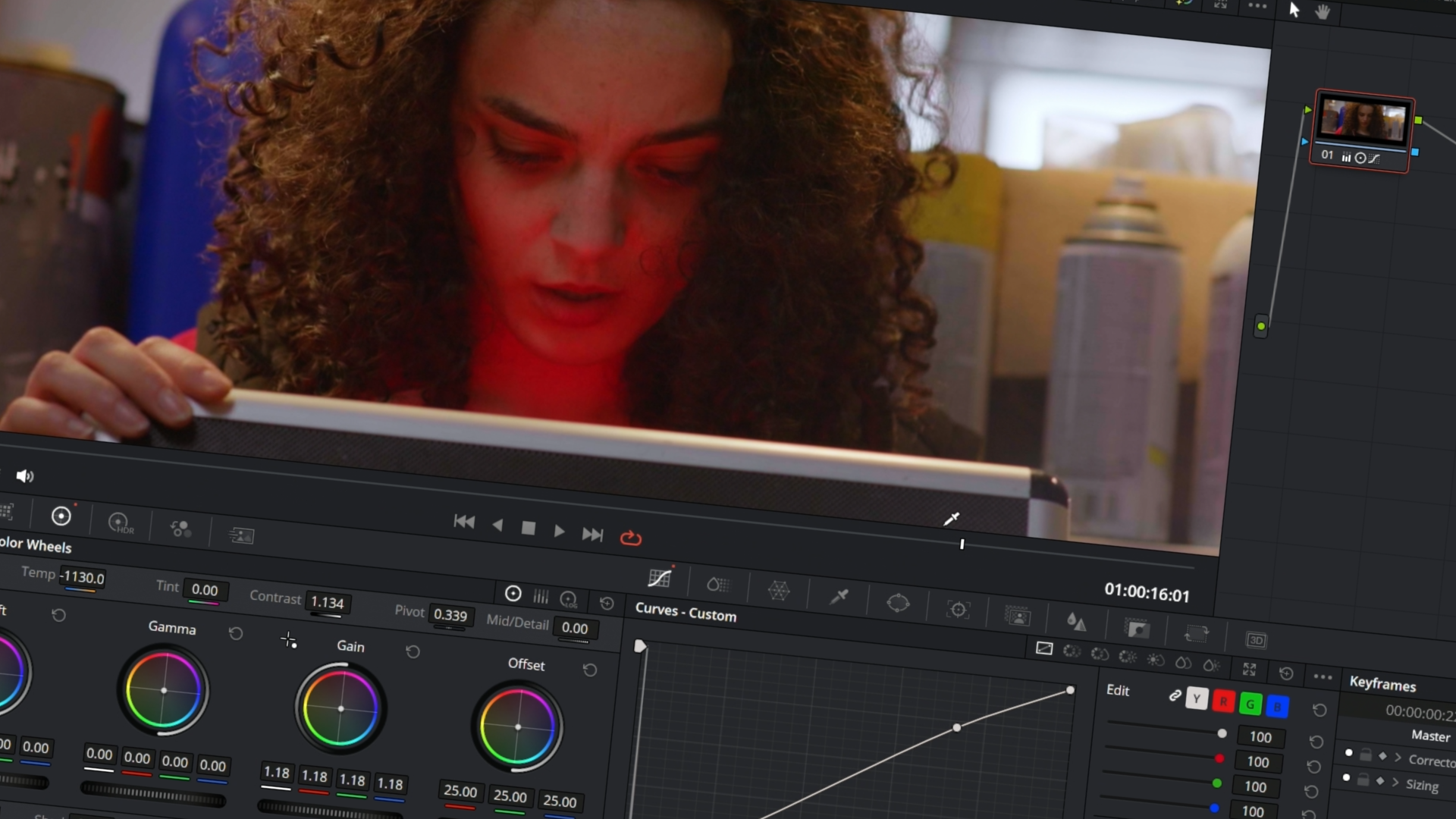
In this chapter, we'll get set up and ready to get to work. We'll also explore what color grading is as a concept so that we're all on the same page.
Adjusting Images
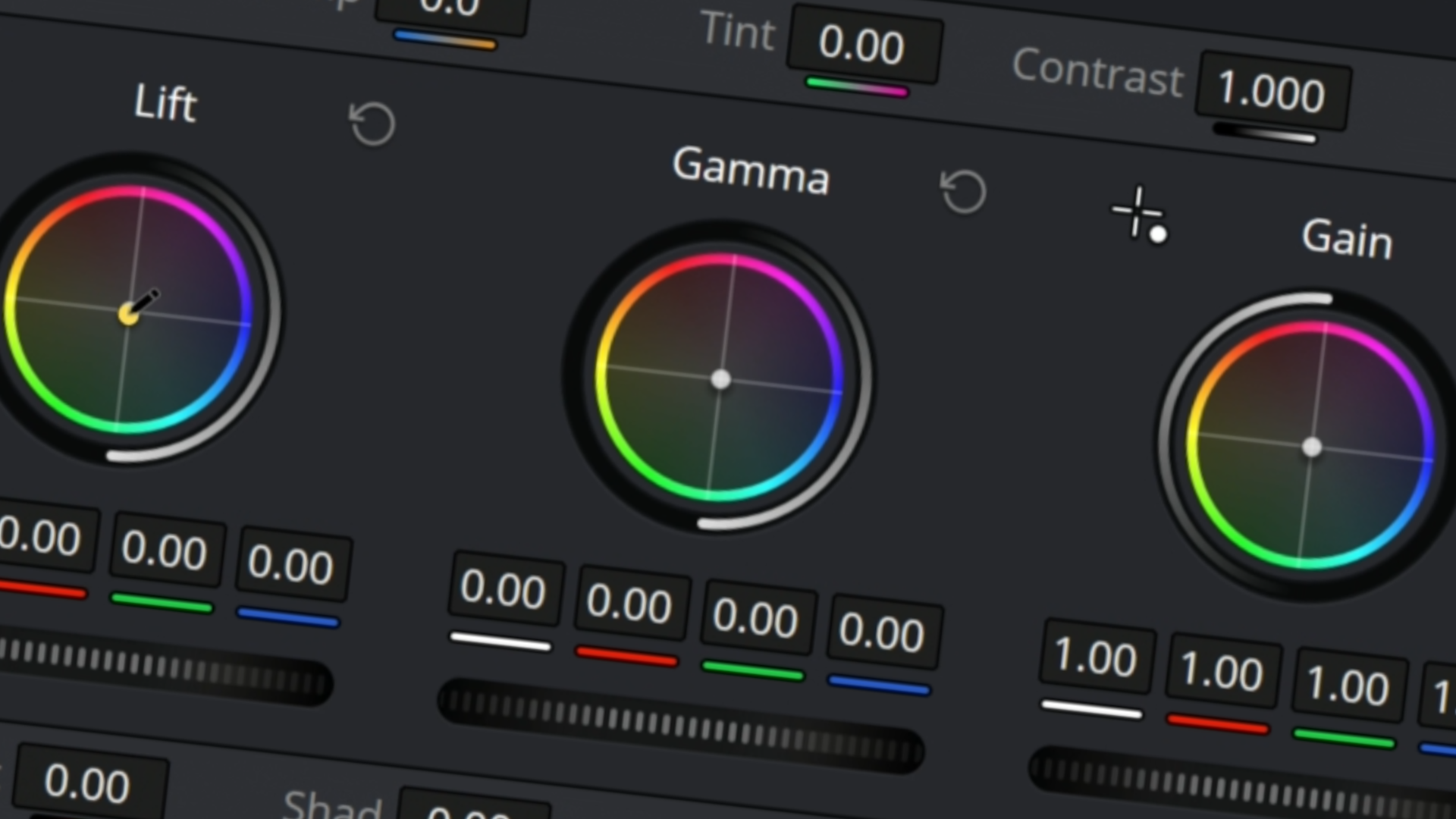
We will learn the basics and need-to-know stuff about adjusting different aspects of an image. We'll get familiar with the most important tools in the color page.
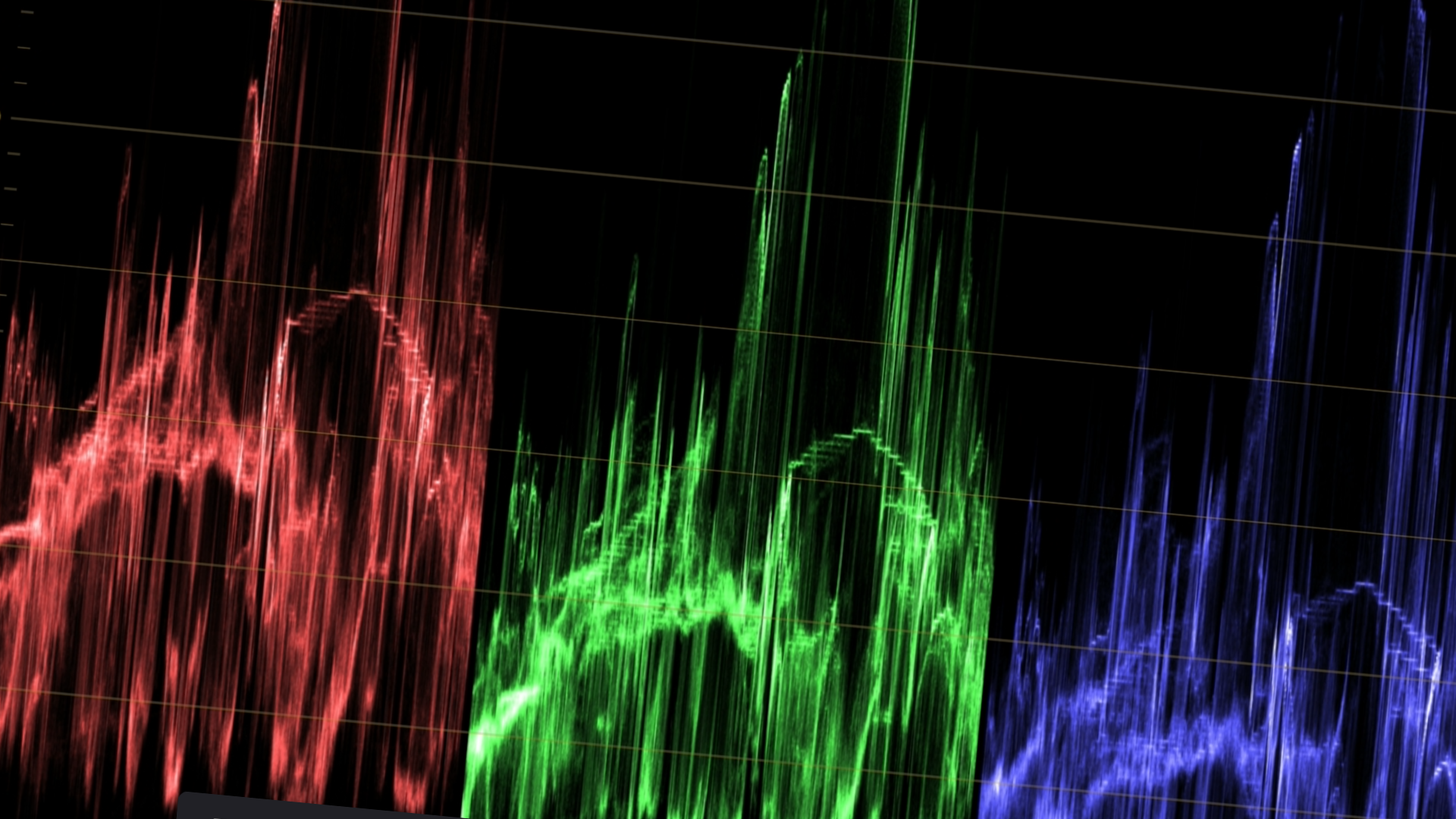
Color Concepts
We'll jump into the details of exposure, contrast, saturation, and other aspects of an image, and we'll learn the best tools to control each. Foundational wisdom for any color grade.
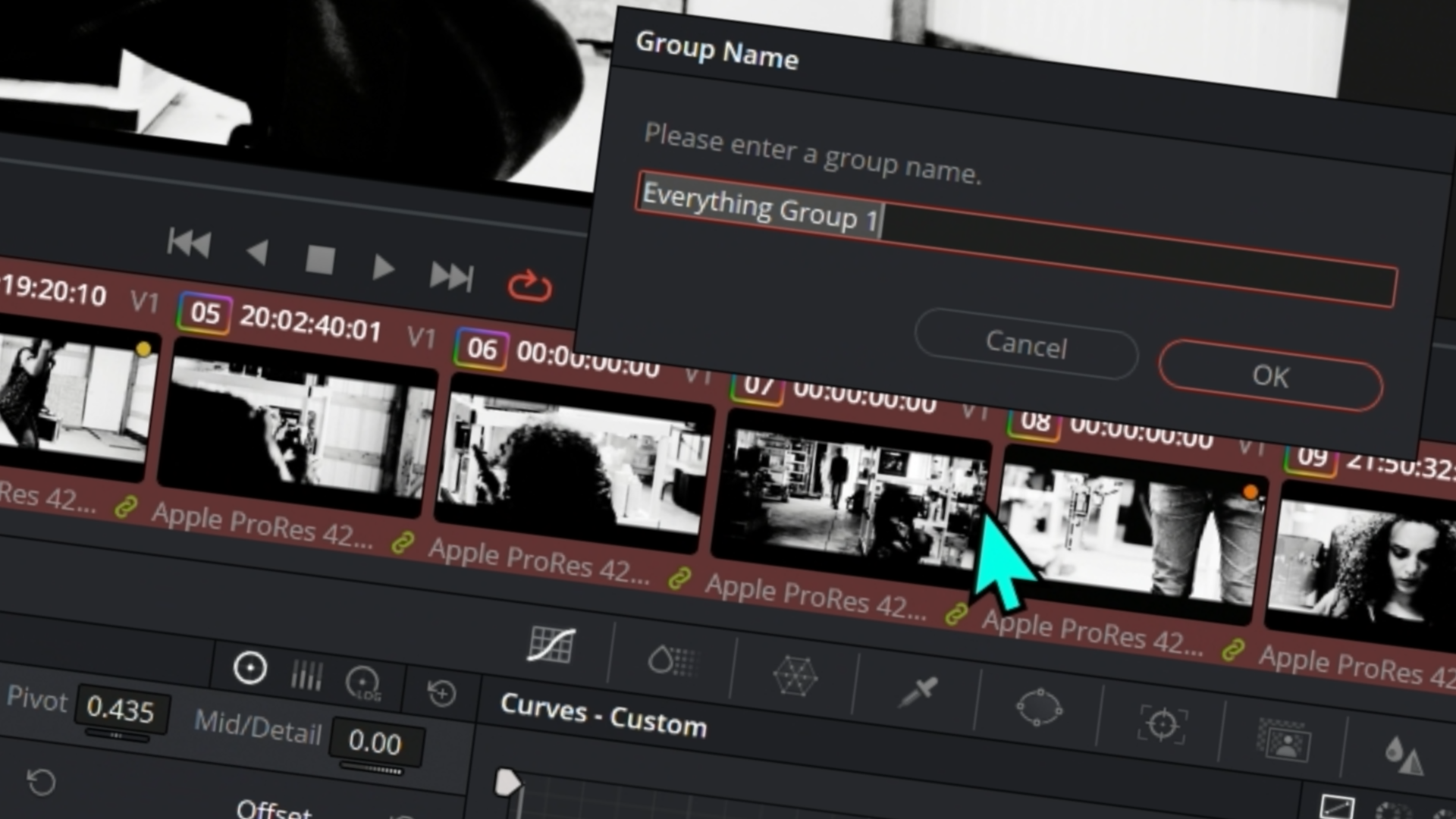
Color Grading Sequences
Color grading is more than just adjusting a single image. We'll take a look at the best techniques to color grade entire scenes and projects using groups and shared color grades to save time.
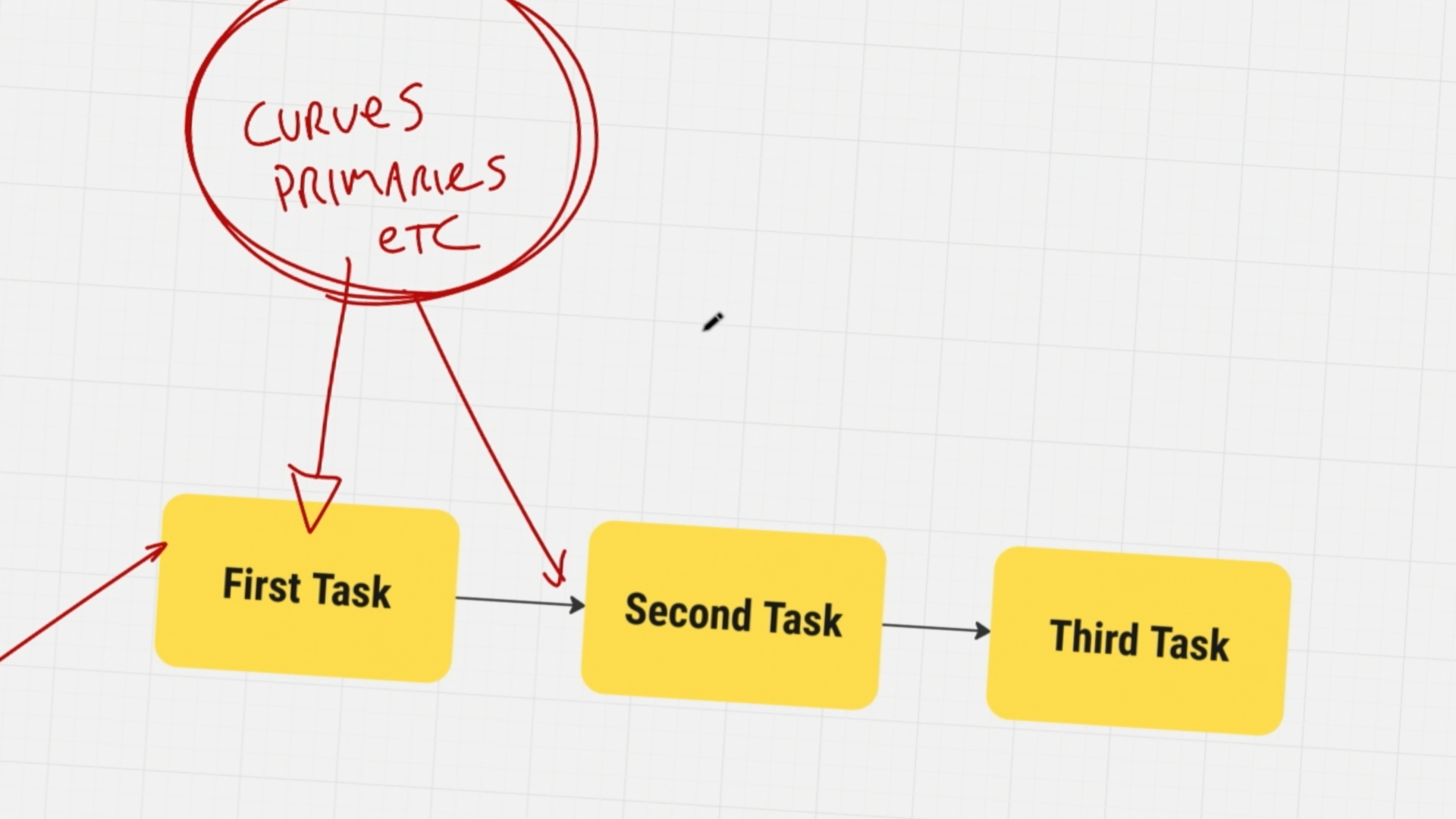
Everything About Nodes
We'll explore the details of working with nodes in the color page, as well as the magical workflow of using a fixed node tree.
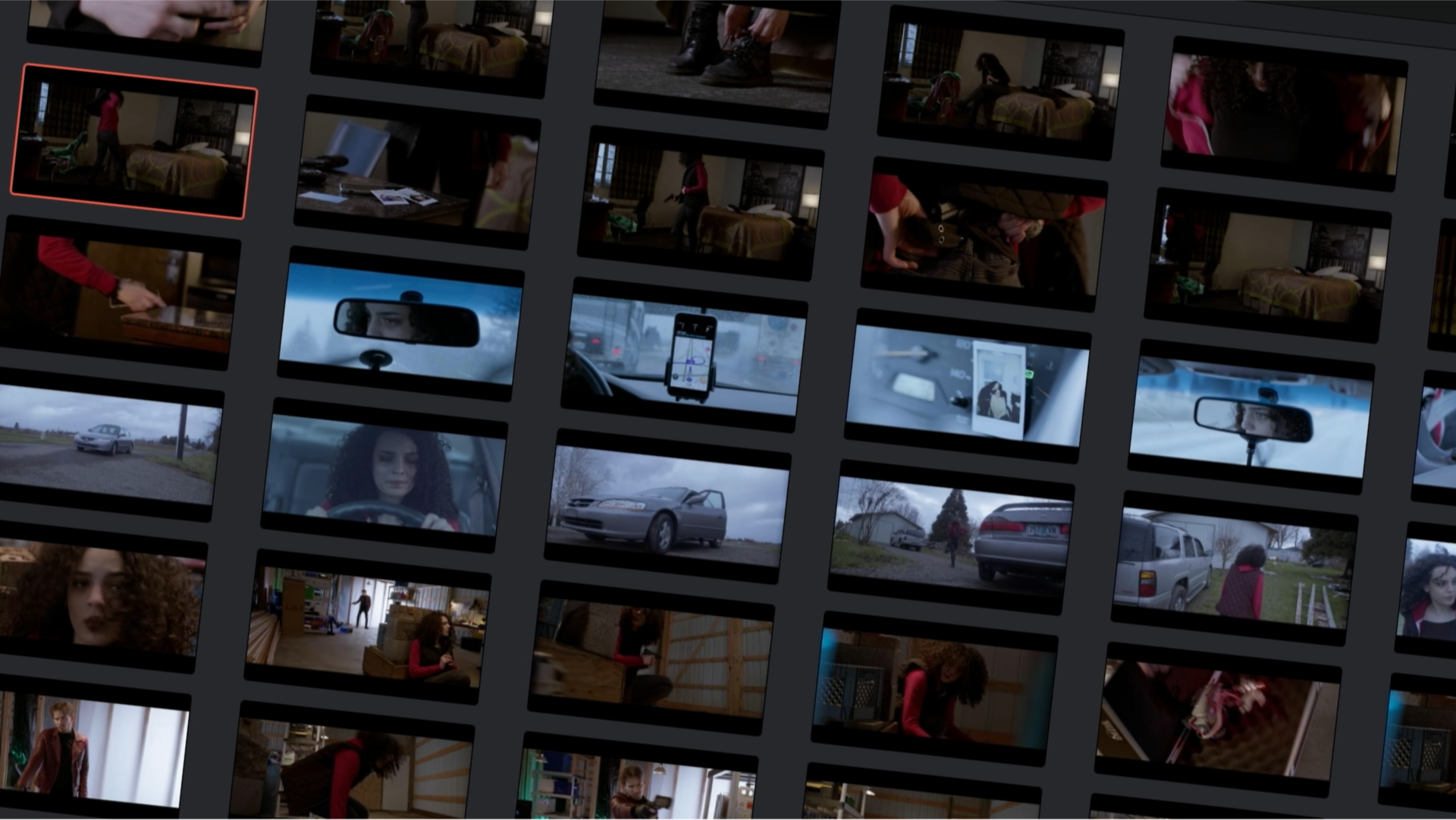
Practical Color Workflow
We'll take a look at the easiest and most practical workflow for moving quickly in a color grading session and getting the very best images.
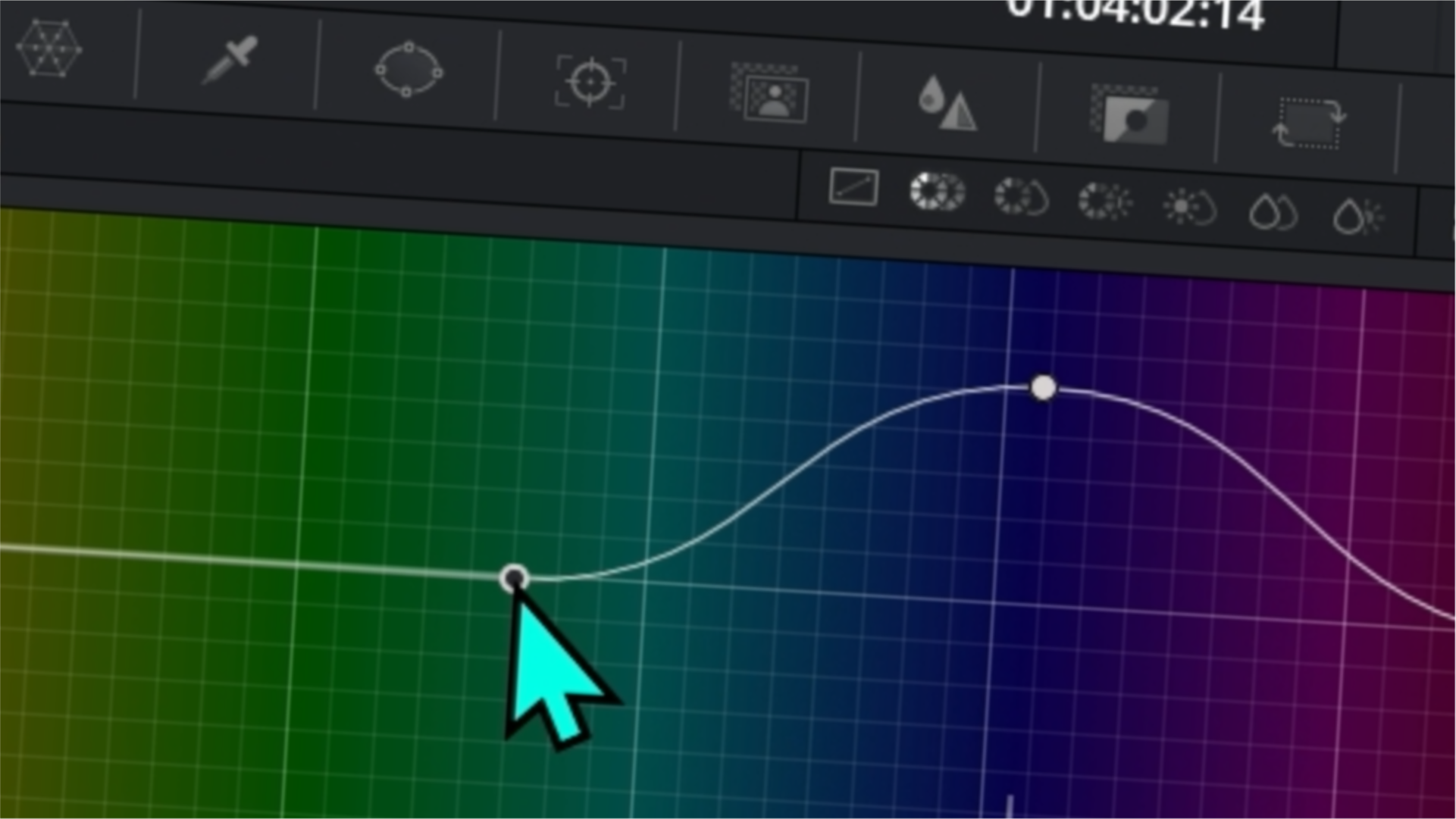
Detailed Color Tools
We'll explore Resolve's most powerful tools for getting detailed with your color grades. From isolating certain colors to adjusting separate elements on screen to being selective with your saturation. We'll dive deep into the nearly all of the panels that you need to know to make great images.
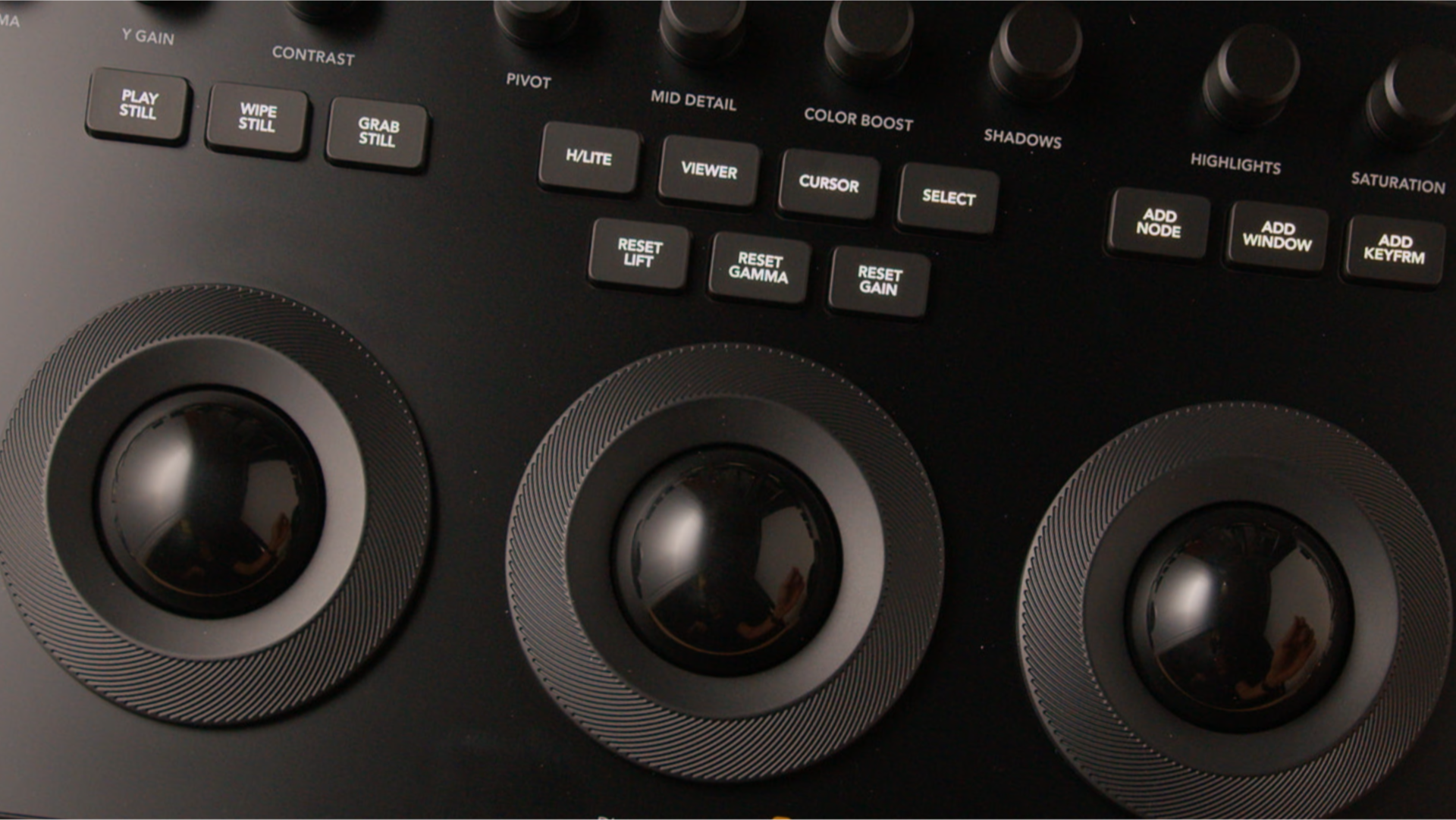
Color Hardware
In this chapter, we take a detailed look at Blackmagic's Resolve color control panels and explore how they can speed up the color workflow.
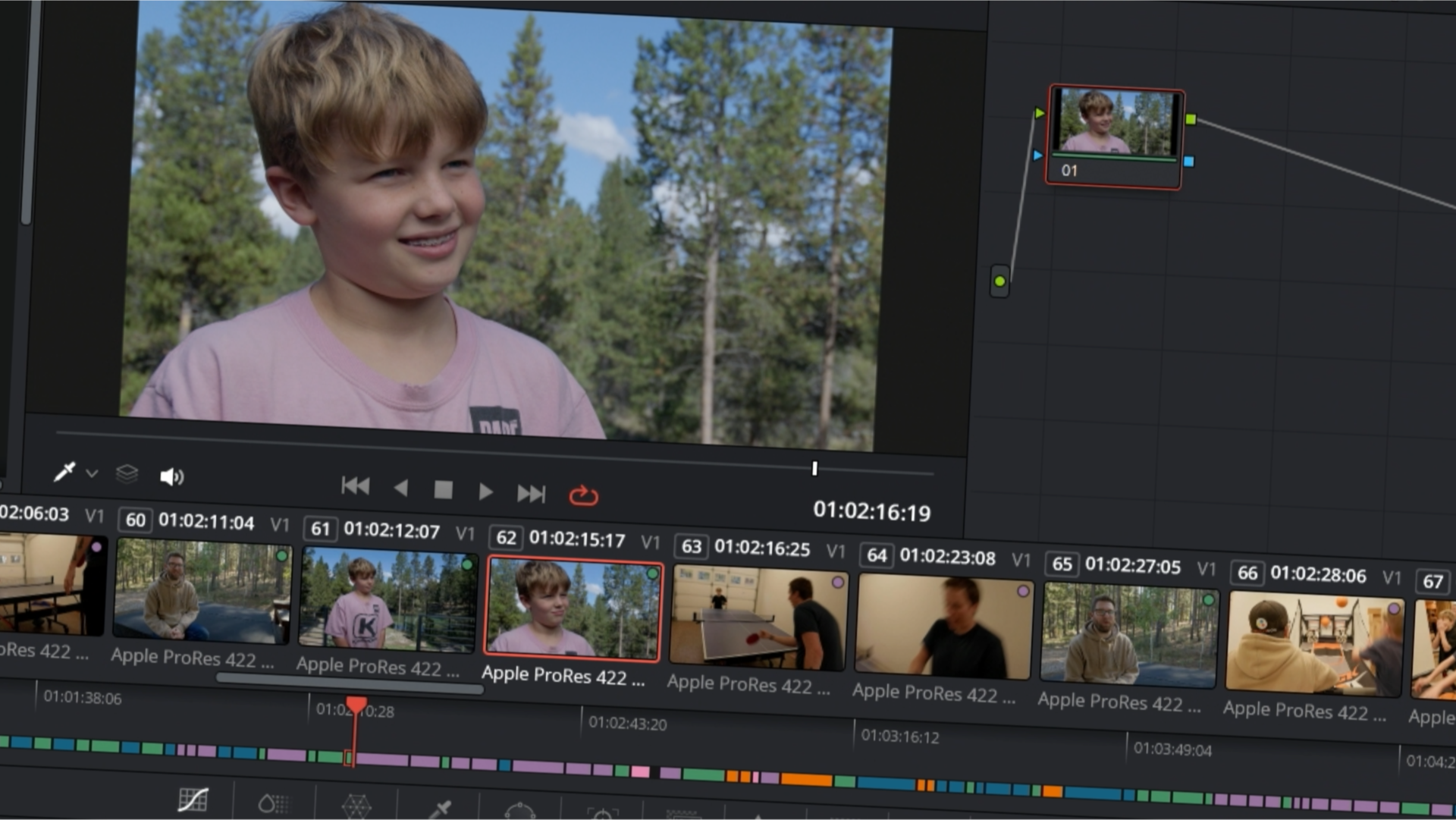
Color Grade a Documentary!
Here, we walk through a color grade of a real-world project for a short documentary video. This puts everything that you've learned to the test and challenges you to match shots, develop creative looks, fix problems, and create a cohesive color grade.
Get our Color 101 course today and score these exclusive bonuses!
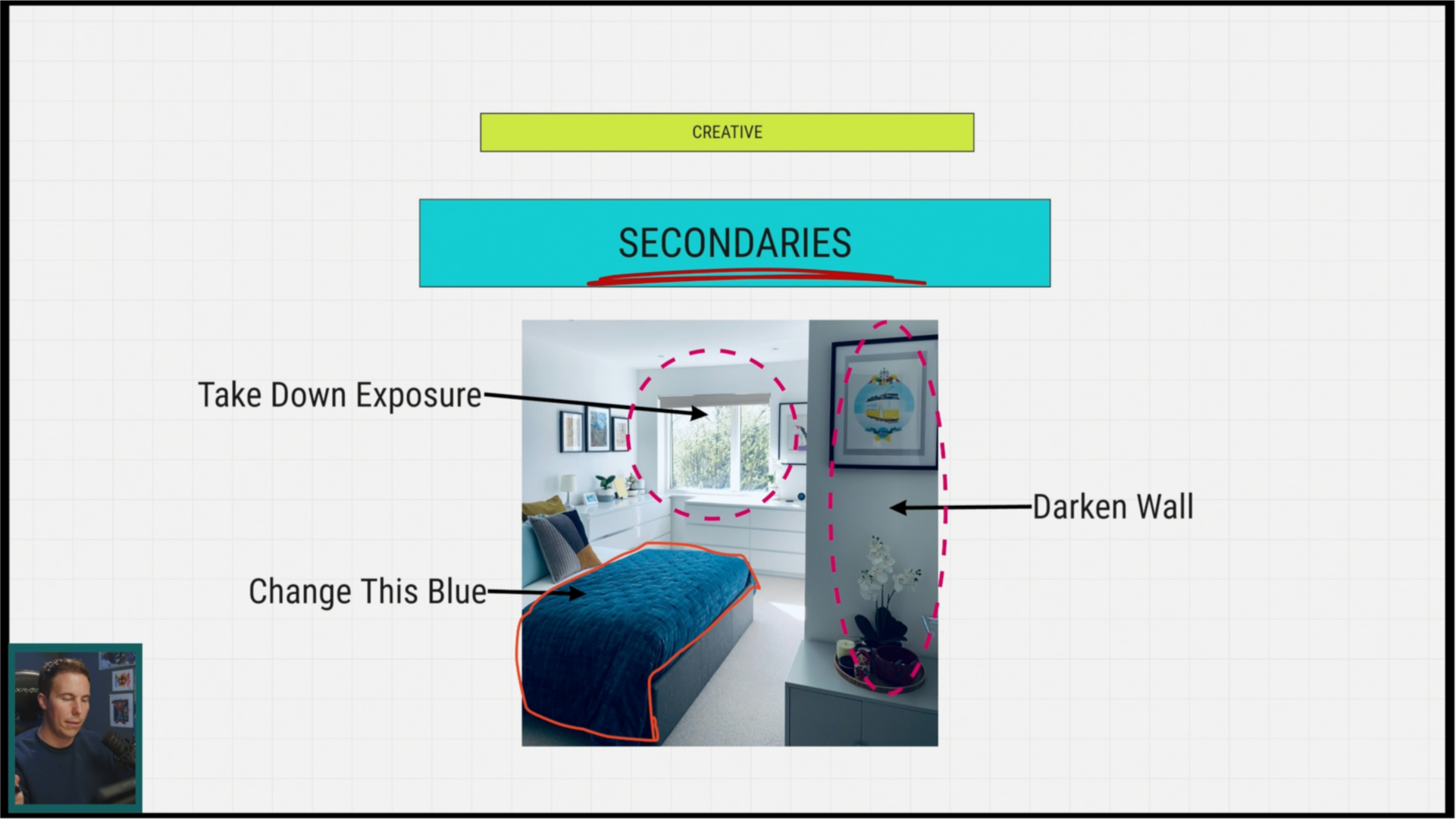
BONUS #1 - Casey's Color Grading Notebook
In this bonus presentation, Casey walks through the most important aspects of color in one compact presentation. A perfect review after the course.
BONUS #2 - The 10 Minute Color Grade
What would you do if you were only given 10 minutes to color grade a short film? Casey walks through how he dealt with this exact situation on a recent color grade and explains how he used the same workflow to create a beautiful color grade in less than 10 minutes!
Here's What Some of Our Customers Have Said...
“Very Good Course.”
The highly structured approach, which I'm familiar with from your other programs, is excellent. I especially liked the project at the end. The short documentary on how to apply everything is a perfect, real-world example.
⭐⭐⭐⭐⭐ Daniel W.
"Exceeded Expectations."
It was not overwhelming and everything was taught in a way I could easily understand.
⭐⭐⭐⭐⭐ Mwai M.
“So Helpful.”
It helped me become more efficient in grading a large project. Lots of little details of media management within the color page, like matching shots and looks.
⭐⭐⭐⭐⭐ Jurgen S.
See How It Works — Tour Color 101 Course Below
Transform dull footage into stunning visuals — no experience required.
Why We Made This Course
From all of us at Ground Control, this End-to-End Editing course is more than just a training—it’s our way of saying:
You’ve got this, and we’ve got you.
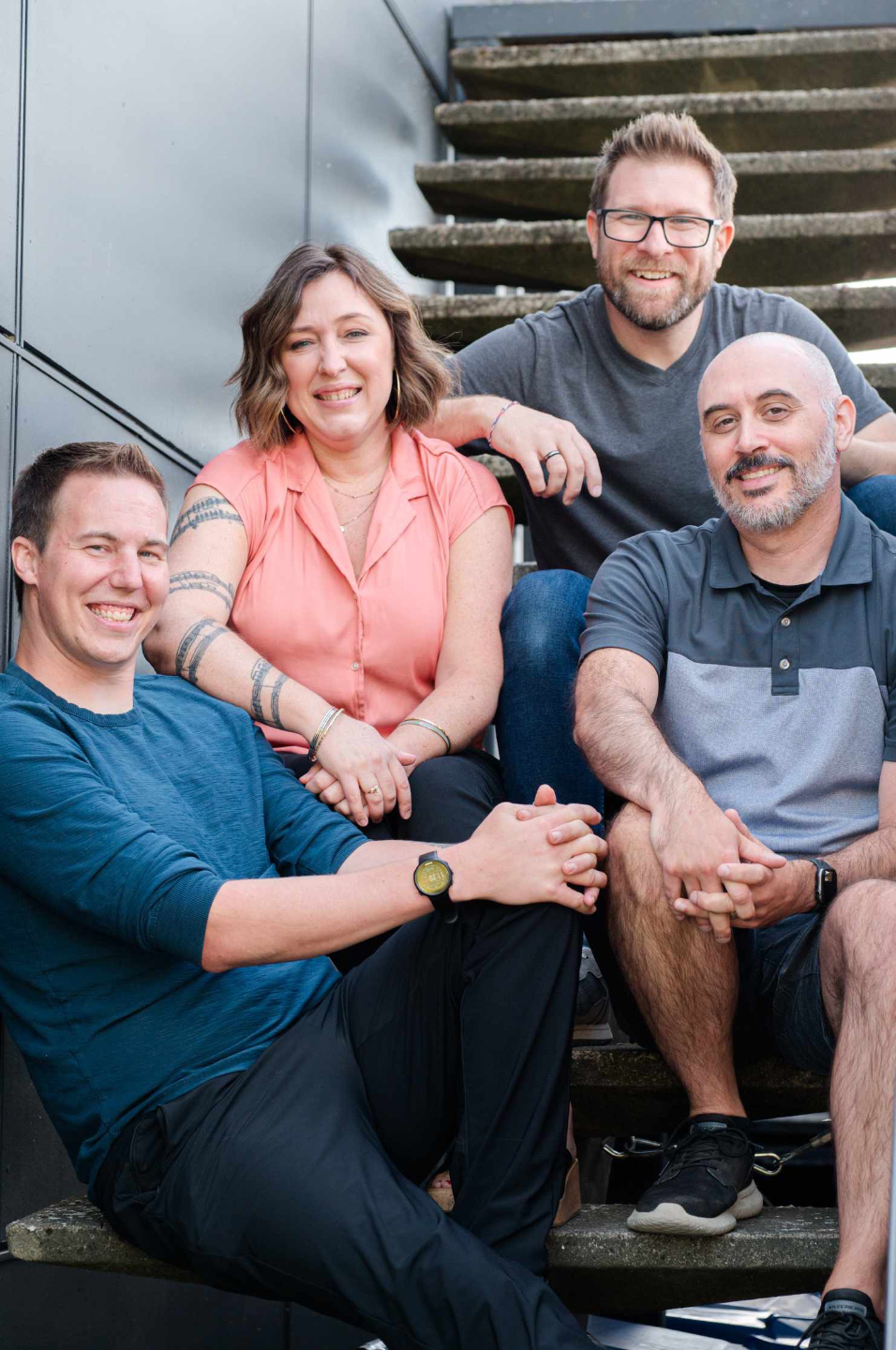
Our mission has always been simple: to empower DaVinci Resolve editors to confidently create anything they can imagine. Whether that’s transforming your footage to look more professional, shaping its story through color, or building the confidence to create your best work, we believe you can do it—and we’re here to help you every step of the way. The truth is: you don’t need to be a wizard to create incredible work. You just need the right guidance, a bit of clarity, and a crew that’s got your back.
This course was built with heart, experience, and a whole lot of respect for the creative process. No matter where you're starting from, we've built this so anyone can do it—you'll feel supported, encouraged, and ready to bring your wildest ideas to life.
We believe in you. Let’s do this—together.
— Casey & The Ground Control Crew
Common Customer Questions
Do I need to be an expert in Resolve to take this course?
How Long Is This Course?
Will this course continually be updated to the newest version of Resolve?
What if I don't like the course?
What if I need help or run into issues?
Can I download the course and go through it offline?
What computer specs do I need?
What materials are included?
What version of DaVinci Resolve do I need?

Enjoy RISK FREE for 30 Days!
If for ANY REASON you don't think this is the best Resolve Color course EVER, we'll give you your money back within 30 days of purchase! That means there's NO RISK! Just a golden opportunity to take your videos to the next level! * Refund Policy Terms *
Confidence Starts Here!
A clear process for confident color grading in DaVinci Resolve.
You don’t need more tutorials.
You need to understand color well enough to trust your decisions.
Color 101 is where things finally click.
You’ll open DaVinci Resolve, know what to fix, how to fix it, and why it works.
No guessing.
Just confident color grading you can repeat on every project.